
Featured Tools

[Post_featured_tools]

Related Tools

Tags

MailerLite for AI Email Marketing

MailerLite

Pricing

$0/month

Category

Business & Productivity

Description

5 1 vote
Article Rating

MailerLite

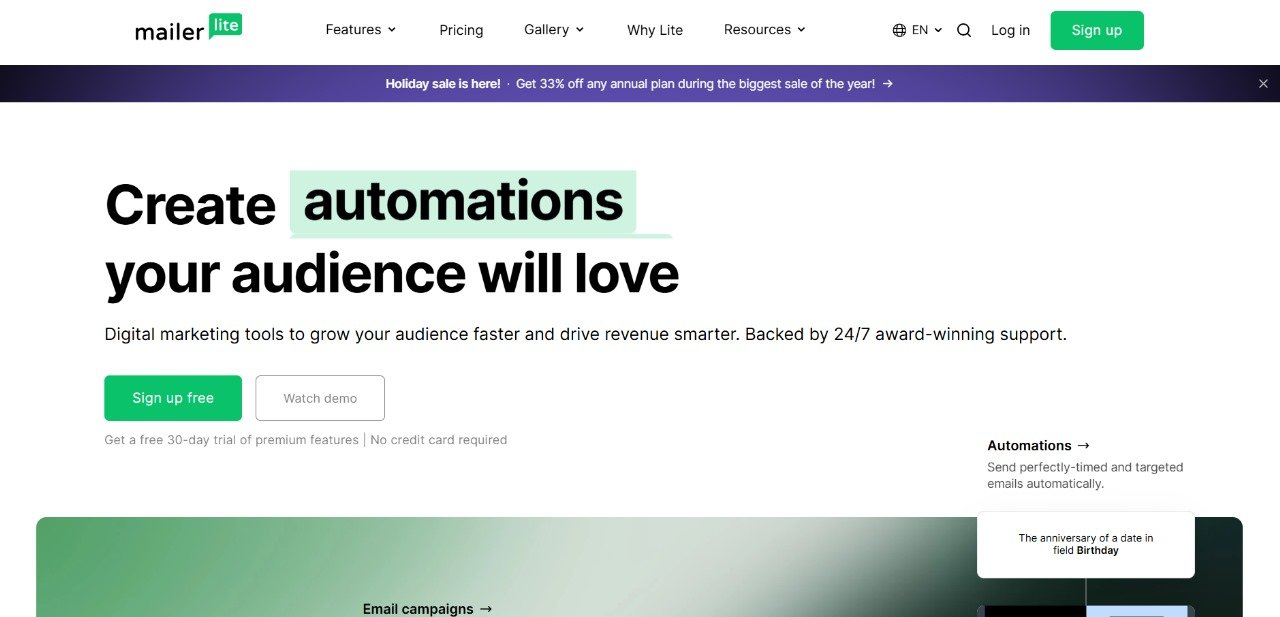
Email campaigns, automations, forms, and WordPress integration in a clean, easy interface

Visit site

a. Quick summary: MailerLite is a simple and affordable email marketing tool for creators, bloggers and small businesses. It helps you collect subscribers, send newsletters, and run basic automations with minimal setup.

b. What you get, in plain terms:

  • i. Campaigns: drag and drop email builder to design newsletters and announcements.
  • ii. Automation: visual workflows that trigger emails on signup, clicks, or tags.
  • iii. Forms and popups: collect emails and sync them to your subscriber list.
  • iv. Landing pages: quick pages for downloads or lead magnets without coding.
  • v. Analytics: open rates, clicks and basic engagement reports to measure success.
Email campaigns
Templates, personalization and mobile preview.
Automation
Triggers, delays and tagging in a visual builder.
Forms
Embedded forms and popups that sync subscribers.
Analytics
Open rate, clicks and segment insights.
Interactive demo
Client-side simulation
Agent Ready. Choose a demo and press Run.
Common automations
Hover a step to learn more
Welcome onboarding
Trigger: signupWhen user confirms, workflow begins
Send welcomeFirst message builds trust and sets expectations
Wait 2 daysDelay helps space communication
Send tipsOffers value and next steps
Lead nurture
Trigger: lead magnetUser downloads asset or joins via form
Send assetDeliver promised content instantly
Follow-up 3 daysShare contextual material to build interest
Cart recovery
Trigger: cart abandonedDetect users who left checkout
Reminder 1 hourGentle nudge with cart link
Discount 24hSmall incentive to convert
Checklist & KPIs
a. Define trigger and audience.
b. Set clear delays and actions.
c. Test with sample emails.
d. KPIs: open rate, click rate, conversion.
WordPress integration
Connect MailerLite to WordPress and start collecting subscribers in minutes.
1
Install the official MailerLite plugin from your WordPress dashboard. Search for MailerLite.
Plugin: mailerlite
2
In MailerLite, open Account settings and copy your API key.
3
Paste the API key into the plugin settings in WordPress and save.
4
Add a form using a Gutenberg block or a shortcode on any page or post, then test a submission.
[mailerlite_form_formid]
Open MailerLite
Forms and popups sync new subscribers automatically.
Use groups or tags to segment your audience.
Verify double opt-in and confirmation emails if enabled.
Copied to clipboard

MailerLite is a powerful yet easy-to-use AI email marketing platform designed for startups, creators, and growing businesses that want to build lasting customer relationships. It helps you create, send, and manage professional email campaigns without needing any technical skills. With its clean interface and drag-and-drop editor, anyone can design stunning newsletters, automated workflows, and landing pages that drive real engagement.

i. Why Choose?

MailerLite focuses on simplicity, automation, and performance. Its intuitive dashboard and pre-built templates let you start campaigns in minutes. Whether you’re nurturing leads, launching a product, or promoting content, MailerLite provides all the tools you need to communicate effectively with your audience.

ii. Core Features and Capabilities

a. Email Campaign Builder: Design beautiful, mobile-responsive emails using the drag-and-drop editor or start from one of the many customizable templates.

b. Automation Workflows: Automate your marketing with triggers based on user actions such as sign-ups, clicks, or purchases. You can set up welcome sequences, drip campaigns, or re-engagement emails effortlessly.

c. Audience Segmentation: Target subscribers more precisely using filters like location, behavior, and engagement history. Personalized campaigns improve open rates and conversions.

d. Landing Pages and Forms: Create high-converting landing pages and sign-up forms with zero coding. Connect them easily to your mailing lists to grow your audience faster.

e. Analytics and Reporting: Get detailed insights into every campaign. Track open and click rates, conversions, and audience behavior to refine your marketing strategy.

f. A/B Testing: Experiment with subject lines, email content, or call-to-action buttons to identify what works best for your subscribers.

iii. Pricing Plans

MailerLite offers flexible plans for all business sizes, making it one of the most affordable marketing automation tools available today.

a. Free Plan: Perfect for beginners, supporting up to 1,000 subscribers and 12,000 monthly emails. It includes essential tools like automation, landing pages, and campaign creation.

b. Growing Plan (from $9/month): Suitable for small to mid-sized businesses, offering unlimited emails, advanced reporting, and A/B testing.

c. Advanced Plan (from $19/month): Includes advanced segmentation, enhanced analytics, and priority support for professional marketers.

d. Enterprise Plan (from $99/month): Built for larger organizations with high-volume needs, offering dedicated IPs, custom features, and premium support.

iv. What Makes it Stand Out

MailerLite balances affordability, ease of use, and professional capabilities. Its automation and analytics tools give businesses complete control over how they engage audiences. For marketers looking to grow their brand through smarter email communication, it offers one of the best cost-to-performance ratios in the market.


Learn about similar tools on our platform and Explore top tools for AI technologies.

Visit the official website to learn more and information on its features and plans.

Key Features

  • Email Campaigns: Create visually appealing emails with drag-and-drop editor.
  • Automation Workflows: Automate emails based on customer behavior and engagement.
  • Landing Pages: Design high-converting landing pages with no coding required.
  • Segmentation: Target the right audience with detailed customer segmentation.
  • Analytics & Reporting: Track email campaign performance with detailed reports.
  • A/B Testing: Optimize emails with A/B testing features.
Strengths
  • Easy-to-use interface ideal for beginners.
  • Comprehensive set of features, including automation and A/B testing.
  • Affordable plans for small businesses.
Weaknesses
  • Limited advanced features on lower-tier plans.
  • The free plan has restrictions on certain features like email support.

Knowledge Base

5 1 vote
Article Rating
Subscribe
Notify of
0 Comments
Inline Feedbacks
View all comments
Custom Chat

Qutto

Your AI Tools Assistant

Custom Chat

Welcome to Qutto - Your Tools Assistant

I can help answer questions about various tools and tutorials. Here are some suggestions to get started:

Qutto your AI Assistant
Qutto
0
Would love your thoughts, please comment.x
()
x