Best Automation Software Tools in 2026: Top 10 Business and Workflow Automation Platforms
Looking for the best automation software tools in 2026? This Simplify AI Tools guide compares business automation tools, workflow automation tools, IT automation software, pricing, pros, cons and use cases to help teams choose...

Automation software is now part of everyday business work in 2026. Teams use it to connect apps, reduce manual tasks, send follow-ups, manage approvals and keep data moving between tools. In this Simplify AI Tools guide, we compare practical platforms for small businesses, marketing teams, IT departments and enterprise operations.
What Is the Best Automation Software in 2026?
The best automation software in 2026 depends on your use case. Zapier is strong for no-code app connections, Make is useful for visual workflow building, n8n gives technical teams deeper control, and Microsoft Power Automate is best for Microsoft-heavy organisations. UiPath, Workato and Automation Anywhere are stronger for enterprise process automation. Pabbly Connect and Activepieces are useful options for budget-conscious teams and open-source-friendly workflows. No single platform is best for everyone. The right choice depends on your apps, budget, team skill, workflow volume and security needs.
What Is Automation Software?
Automation software helps users automate repetitive tasks with less manual effort. It works through triggers and actions. For example, when a lead fills out a form, the system can add that contact to a CRM, send an email, notify a sales team and update a spreadsheet automatically.
Modern automated software can handle simple tasks like email alerts or advanced workflows involving approvals, AI agents, data sync, RPA bots, webhooks and API integrations. Some platforms are built for non-technical users, while others are designed for developers and enterprise IT teams. The purpose is simple: reduce repetitive work, improve accuracy and make business processes faster.
Why Automation Software Matters for Businesses in 2026?
Businesses in 2026 are under pressure to move faster without increasing team size. Manual data entry, delayed follow-ups and disconnected apps create mistakes that cost time and money. This is where business automation software becomes useful.
Companies now use automation for lead capture, sales alerts, onboarding, invoice routing, email campaigns, support tickets, reporting, HR approvals and IT access requests. IT automation software is also becoming important because teams need reliable ways to manage users, alerts, tickets and cloud systems.
AI is changing this space too. Instead of only following fixed rules, some automation platforms now support AI agents, prompt-based workflow creation, document extraction and smarter routing. Still, automation is only useful when the process is clear. A bad workflow automated quickly is still a bad workflow.
How Simplify AI Tools Selected These Automation Software Tools?
This Simplify AI Tools guide does not claim fake hands-on testing. The tools were selected by comparing public product information, official pricing pages, common business use cases, integration depth, ease of use, AI features and suitability for different team sizes.
The main selection points were:
- Ease of creating workflows without confusion
- Number and quality of app integrations
- No-code, low-code and developer control options
- Support for webhooks, APIs and advanced logic
- Free plan, trial or clear entry-level pricing
- Error handling, logs and workflow monitoring
- Team permissions and role-based access
- Suitability for marketing, sales, IT, operations and enterprise workflows
- AI automation features such as agents, prompts or workflow assistants
- Long-term scalability and governance controls
Pricing, plans, task limits and AI features can change. Always verify current details on the official website before buying any automation tool.
Best Automation Software Tools in 2026
Here are the best automation software tools in 2026 based on use case, pricing awareness, integrations, flexibility and business suitability.
1. Zapier
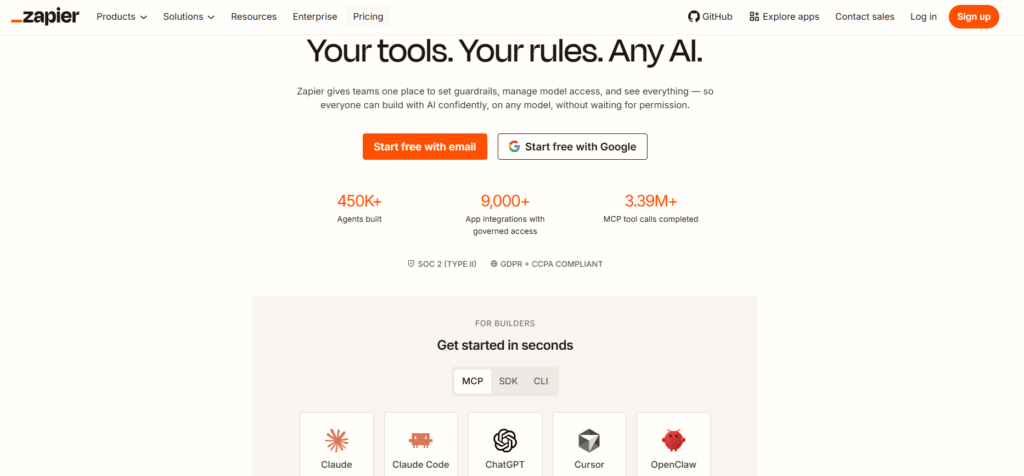
Best for: No-code app connectors, small businesses and marketing teams
Zapier is one of the most recognized workflow automation tools for connecting apps without code. It works well when you want to move data between tools like forms, spreadsheets, CRMs, email platforms, project management apps and team chat tools.
Pros
- Beginner-friendly setup
- Large app ecosystem
- Useful templates for common workflows
- Good for form follow-ups, CRM updates, alerts and email automation
Cons
- Task usage can become costly at scale
- Multi-step workflows need careful monitoring
- App API changes can sometimes break automations
Pricing: Free and paid plans are available. Pricing usually depends on tasks, users and advanced features. Check the official pricing page before publishing exact costs.
2. Make
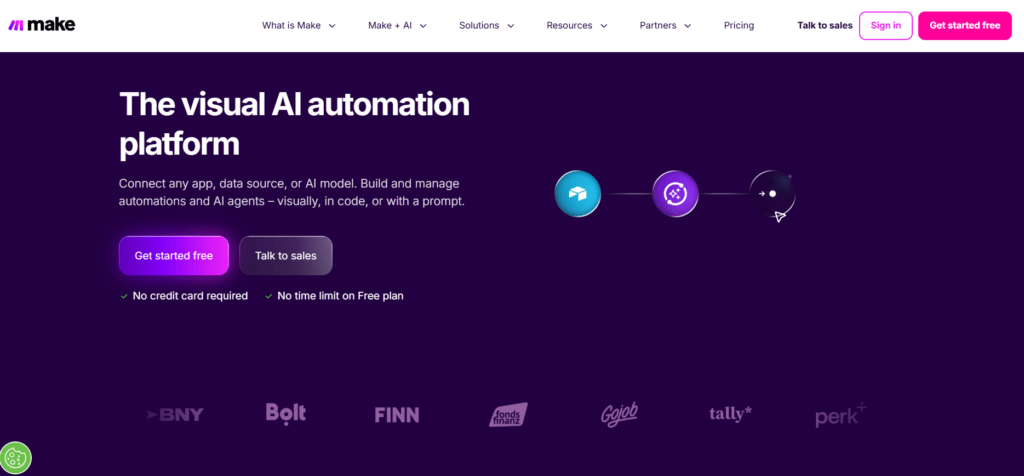
Best for: Visual workflow automation and multi-step scenarios
Make is a strong option for users who want to see the full workflow visually. Its scenario builder helps users create multi-step automations with routers, filters, conditions and app connections.
Pros
- Visual workflow builder is easy to understand
- Good for marketing and operations workflows
- Flexible for multi-step logic
- Often attractive for users who want more control than basic no-code tools
Cons
- Beginners may need time to understand scenarios
- Credit usage must be monitored
- Large workflows can become hard to maintain without documentation
Pricing: Make offers free and paid plans. The free plan is useful for learning and testing, while paid plans are better for higher workflow volume.
3. n8n
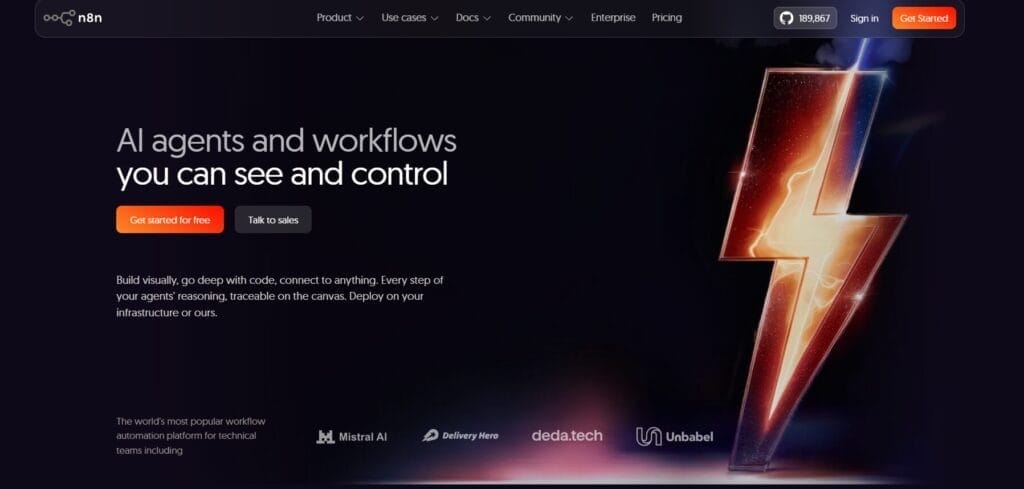
Best for: Developers, technical teams and self-hosted automation
n8n is a flexible automation platform for teams that want deeper control over workflows, APIs, webhooks and logic. It is popular with technical users because it offers cloud plans and self-hosting options.
Pros
- Strong developer control
- Useful for APIs, webhooks and custom logic
- Self-hosting option for teams that need more control
- Good for advanced workflow automation
Cons
- Not the easiest option for complete beginners
- Self-hosting needs maintenance
- Some workflows require technical knowledge
Pricing: n8n has cloud pricing and self-hosted options. Check current execution limits, AI workflow credits and hosting terms before choosing a plan.
4. Microsoft Power Automate

Best for: Microsoft 365 users and enterprise IT teams
Microsoft Power Automate is a strong automation platform for companies already using Outlook, Excel, SharePoint, Teams, Dataverse and other Microsoft products. It supports cloud flows, desktop flows and business process automation.
Pros
- Excellent Microsoft ecosystem integration
- Good governance and security controls
- Useful for IT, finance and operations teams
- Supports cloud and desktop automation
Cons
- Third-party integrations can require more setup
- Advanced logic may feel complex for beginners
- Best value comes when the company already uses Microsoft tools
Pricing: Power Automate offers a free trial and paid plans. Pricing varies by user, process and automation type, so official pricing should be checked before purchase.
5. UiPath

Best for: Enterprise RPA and agentic automation
UiPath is built for enterprise automation, especially where teams need robotic process automation, AI agents, document processing, process orchestration and governance. It is suitable for finance, support, operations and regulated workflows.
Pros
- Strong enterprise automation capabilities
- Good for RPA and AI-assisted processes
- Governance features for larger teams
- Suitable for complex departmental workflows
Cons
- Steep learning curve for non-technical users
- Implementation can take time
- May be more than small teams need
Pricing: UiPath offers entry-level and enterprise plans. Exact pricing and capability limits should be checked from the official site because enterprise requirements vary.
6. Workato

Best for: Cross-tool enterprise orchestration
Workato is designed for larger companies that need to connect business apps, automate processes and manage complex workflows across departments. It is useful for IT, HR, finance, sales operations and revenue operations teams.
Pros
- Strong for cross-functional workflows
- Good for enterprise orchestration
- Useful approval and process logic
- Built for larger business systems
Cons
- Pricing is usually not simple for small users
- Implementation planning is important
- May be too advanced for basic automations
Pricing: Workato usually uses sales-led or custom pricing based on business needs. Teams should request details and compare total cost before committing.
7. Automation Anywhere
Best for: AI-driven enterprise automation
Automation Anywhere focuses on AI-powered enterprise automation and robotic process automation. It is suitable for organisations that want to automate finance, HR, service, operations and document-heavy workflows.
Pros
- Strong AI automation positioning
- Good for enterprise workflows
- Useful for document and process automation
- Designed for scalable business operations
Cons
- Not beginner-friendly
- Pricing often requires demo or sales contact
- Implementation may need specialist support
Pricing: Automation Anywhere pricing generally depends on scale, products and business needs. Verify details through the official sales or pricing process.
8. Kissflow

Best for: Business process automation and low-code workflows
Kissflow is useful for companies that want to manage approvals, internal processes, HR workflows, procurement, finance requests and simple business applications with low-code or no-code tools.
Pros
- Good for internal business workflows
- Useful for approvals and process tracking
- No-code and low-code options
- Better for business users than heavy RPA tools
Cons
- Not ideal for simple personal automation
- Enterprise pricing may be higher than small tools
- Requires clear process mapping
Pricing: Kissflow pricing depends on plans and business requirements. Check official pricing and user limits before choosing it for a team.
9. Pabbly Connect
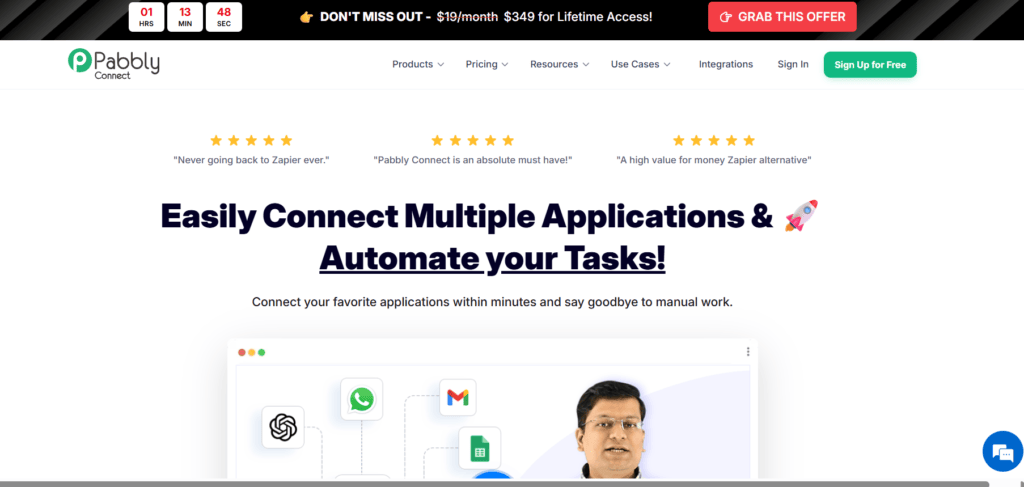
Best for: Budget-friendly business and marketing automation
Pabbly Connect is useful for small businesses, creators, agencies and marketers who want to automate app connections without paying for heavier enterprise platforms. It can support lead capture, email workflows, data transfer and automated marketing tasks.
Pros
- Budget-friendly positioning
- Useful for simple app-to-app workflows
- Good for small business marketing tasks
- Supports multi-step automations
Cons
- Interface may feel less polished than larger tools
- Advanced governance may be limited
- Users should review plan limits carefully
Pricing: Pabbly Connect offers subscription and deal-based pricing at different times. Always check current pricing, integration limits and support terms.
10. Activepieces
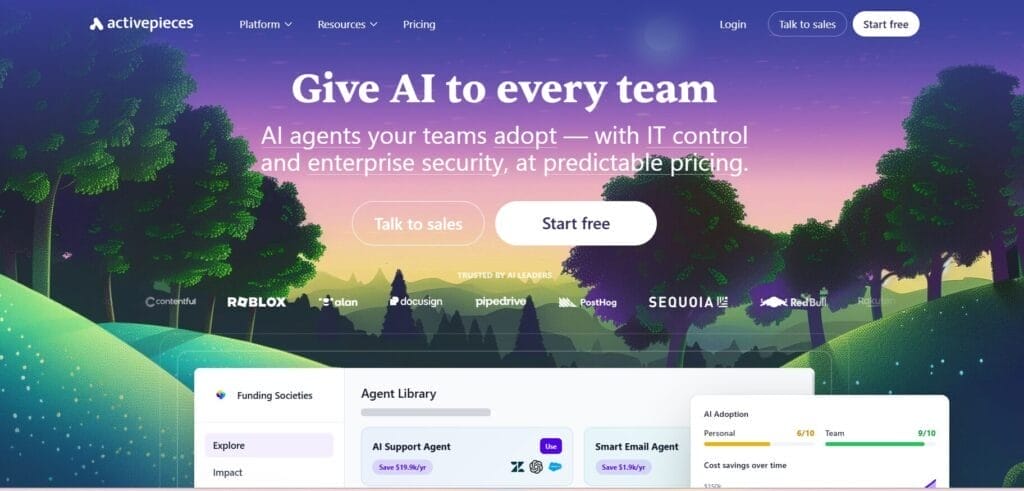
Best for: Open-source-friendly and AI workflow automation alternatives
Activepieces is useful for startups, developers and teams that want flexible automation with an open-source-friendly approach. It supports AI agents, workflows and app connections for teams that want more control than standard no-code tools.
Pros
- Open-source-friendly positioning
- Good for technical teams and startups
- AI agent support
- Useful alternative to task-limited automation tools
Cons
- Smaller ecosystem than Zapier
- Technical users may get more value than beginners
- Self-hosted setup can need maintenance
Pricing: Activepieces offers free and paid options depending on hosting and usage. Check current flow limits, AI features and support details before choosing it.
Automation Software Comparison Table
| Tool | Best For | Free Plan or Trial | Main Strength | Best User Type | Main Limitation |
| Zapier | No-code app connectors | Yes | Huge app ecosystem | Beginners and marketers | Can get costly at scale |
| Make | Visual workflow automation | Yes | Flexible scenarios | Marketing and operations teams | Learning curve |
| n8n | Developer-grade automation | Trial or self-hosting options | API and webhook control | Technical teams | Needs technical skill |
| Power Automate | Microsoft ecosystem | Trial | Microsoft integration | Microsoft-heavy teams | Advanced logic can be complex |
| UiPath | Enterprise RPA | Entry-level options | RPA and governance | Large enterprises | Implementation time |
| Workato | Enterprise orchestration | Usually demo-led | Cross-system workflows | Large teams | May be costly for small users |
| Automation Anywhere | AI enterprise automation | Demo-led | AI and RPA workflows | Enterprises | Not beginner-friendly |
| Kissflow | Business process automation | Check plan | Approvals and internal workflows | Business teams | Needs process clarity |
| Pabbly Connect | Budget automation | Check plan | Affordable app workflows | Small businesses | Less enterprise depth |
| Activepieces | Open-source-friendly automation | Yes | AI workflow flexibility | Startups and developers | Smaller ecosystem |
Pricing, free plans, app limits and AI features can change. Always check the official pricing page before choosing automation software.
Types of Automation Software
Automation software is not one single category. Different tools solve different problems, so it helps to understand the main types before choosing a platform.
Workflow Automation
Workflow automation connects apps and moves information between them. It is useful for form submissions, CRM updates, email notifications, Slack alerts, spreadsheet updates and task routing. Tools like Zapier, Make and Pabbly Connect are common choices here.
Business Process Automation
Business process automation manages wider company processes such as approvals, onboarding, procurement, finance requests and internal case management. Kissflow and Workato are examples of platforms used for more structured business processes.
Robotic Process Automation
Robotic process automation, or RPA, is used when bots need to mimic human actions across screens, forms or older systems. UiPath and Automation Anywhere are common examples for enterprise RPA workflows.
IT Automation Software
IT automation software helps IT teams manage alerts, user access, tickets, cloud tasks, device workflows and system operations. Power Automate, Workato and enterprise RPA tools can support these workflows depending on the environment.
Marketing Automation
Marketing automation supports lead capture, email journeys, audience segmentation, campaign follow-ups, CRM updates and reporting. Tools such as Zapier, Make, Pabbly Connect and Activepieces can help with automated marketing tasks.
How to Choose Automation Software for Your Business?
Before choosing automation software, start by listing the repetitive tasks your team performs every week. Do not automate a broken process. Fix the process first, then automate it.
Use this checklist:
- Identify the apps your team already uses
- Choose one workflow to test first
- Check whether the platform supports your required integrations
- Decide if your team needs no-code, low-code or developer control
- Review pricing based on tasks, executions, users or bots
- Check error logs, retries and monitoring options
- Review security permissions and role-based access
- Document every workflow before scaling
- Assign an owner for each automation
- Review automations monthly to remove broken or unused flows
A practical automation setup should make work easier, not create hidden confusion. Start small, prove value and scale only when the workflow is stable.
Best Automation Software by Use Case
Best Automation Software for Small Businesses
Small businesses should start with Zapier, Make, Pabbly Connect or Activepieces. These tools are easier to test and can handle common tasks like lead capture, email follow-ups, CRM updates and basic reporting.
Best Automation Software for Marketing Teams
Marketing teams can use Zapier, Make, Pabbly Connect and Activepieces for campaign workflows, form submissions, email sequences, spreadsheet updates and lead routing. Make is especially useful when workflows need visual logic.
Best Automation Software for Developers
Developers and technical teams may prefer n8n or Activepieces because they offer more control over APIs, webhooks, self-hosting options and custom logic. These platforms are better when simple templates are not enough.
Best Automation Software for Enterprises
Enterprises should compare UiPath, Workato, Automation Anywhere, Power Automate and Kissflow. These tools are better suited for governance, permissions, compliance, cross-team workflows and large-scale process automation.
Best Automation Software for Microsoft Users
Microsoft-heavy organisations should look closely at Power Automate because it connects naturally with Microsoft 365, Teams, Outlook, Excel, SharePoint and Dataverse. It is often easier to manage inside existing Microsoft environments.
Common Automation Software Mistakes to Avoid
Automation can save time, but poor setup can create problems. Avoid these common mistakes:
- Automating unclear processes before fixing them
- Skipping workflow testing before launch
- Ignoring error notifications and failed runs
- Using one shared account for every workflow
- Not documenting how automations work
- Forgetting to check task or execution limits
- Connecting too many apps without a clear goal
- Ignoring permissions and data privacy
- Not assigning a workflow owner
- Leaving old automations running without review
The best automation systems are boring in a good way. They run quietly, produce reliable results and are easy to understand when something needs fixing.
Is Automation Software Worth Using in 2026?
Yes, automation software is worth using in 2026 if your team repeats tasks daily, moves data between apps, sends regular follow-ups or manages approvals manually.
It is especially useful for sales, marketing, IT, HR, finance, customer support and operations teams. It can reduce delays, improve consistency and help smaller teams manage more work without hiring immediately.
However, automation may not be worth it if your workflow volume is very low, your process is unclear or nobody owns the system after launch. The tool should save more time than it costs. If it does not, simplify the workflow first.
Simplify AI Tools Verdict
No single automation software platform is best for everyone. If you are a beginner, start with easy tools like Zapier or Make. For more technical flexibility, compare n8n and Activepieces. If you need affordable marketing automation, Pabbly Connect is a good option. If you already use Microsoft products, Power Automate can be the right choice. For enterprise automation, compare UiPath, Workatop, Automation Anywhere and Kissflow.
Simplify AI Tools recommends starting with one useful workflow, testing it carefully and choosing a platform based on integrations, complexity, pricing and team skill.
Conclusion
Automation software in 2026 is not just about saving clicks. It helps businesses reduce errors, connect tools and build smoother operations. Simplify AI Tools recommends starting with one useful workflow, testing it properly and choosing a platform that fits your team’s skills and budget.
FAQs
Automation software is a tool that automates repetitive tasks, connects apps, moves data, sends notifications and runs workflows with less manual effort. Business users, IT teams, marketers and operations teams use it to reduce errors, save time and make routine processes more consistent.
The top 10 automation tools in this guide are Zapier, Make, n8n, Microsoft Power Automate, UiPath, Workato, Automation Anywhere, Kissflow, Pabbly Connect and Activepieces. The best choice depends on your use case, budget, technical skill, app integrations and workflow complexity.
Zapier is best for no-code app connectors, Make is strong for visual workflows, n8n suits developers, Power Automate works well for Microsoft users and UiPath is better for enterprise RPA. The best automation software depends on your team size, tools and process complexity.
Yes, automation software can help small businesses automate lead capture, emails, invoicing, CRM updates, reminders and reports. The safest approach is to start with one or two useful workflows, test them carefully and avoid building complex automations before the process is clear.

Disclaimer: Views are the author’s own. Content is informational only.
Was this article helpful?
A quick vote helps us improve the guides readers find most useful.
Join the discussion
Share your experience, ask a question, or add something useful for other readers.