How to Remove Watermarks from Images Using AI in 2026: A Complete Guide?
In 2026, removing watermarks from images has become faster and easier than ever thanks to advanced AI tools. What once required complex software and hours of manual editing can now be done in seconds...
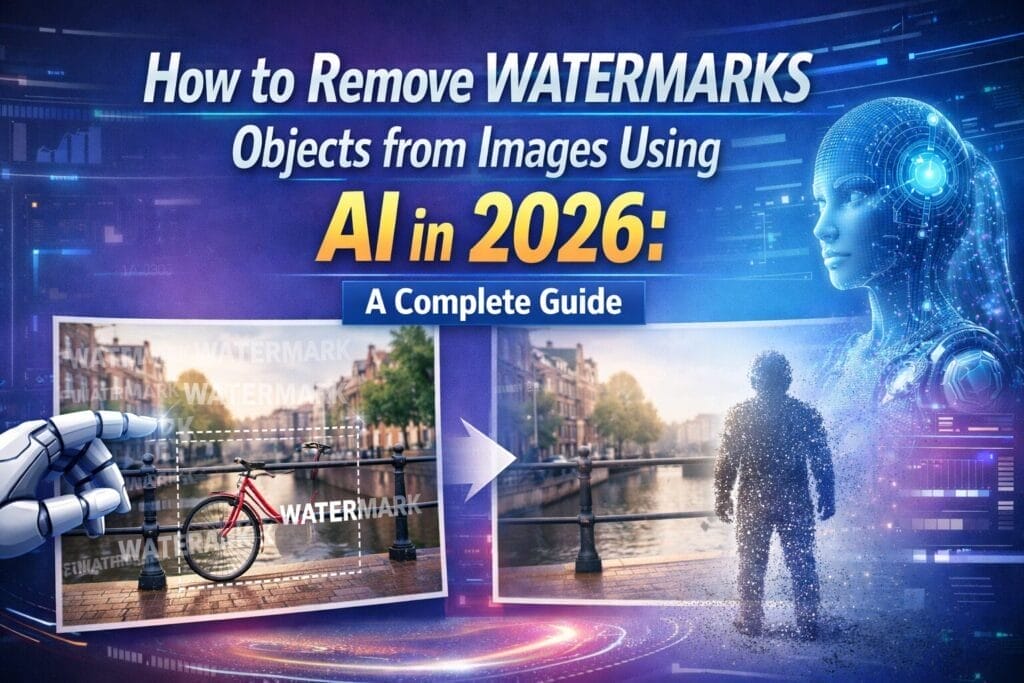
Have you ever found the perfect stock photo for your presentation, only to realize it is covered in distracting watermarks? Or perhaps you recovered an old family photograph from a digital archive, but a glaring timestamp or logo is ruining the memory. In the past, removing these unwanted elements required expensive software like Photoshop and hours of meticulous cloning and stamping.
Welcome to 2026. The landscape of digital editing has completely transformed. Thanks to the rapid evolution of Generative AI and advanced diffusion models, removing watermarks, text, and unwanted objects from images is no longer a task reserved for professional graphic designers. Today, anyone can achieve flawless, pixel-perfect results in a matter of seconds directly from their web browser.
In this comprehensive guide, we will explore how AI image cleanup works, the ethical considerations you must keep in mind, and a step-by-step tutorial on how to seamlessly erase watermarks from your visuals using modern AI tools.
How AI Watermark Removal Actually Works in 2026?
To appreciate the magic of modern AI editors, it helps to understand what is happening behind the scenes. Before 2024, most “eraser” tools relied on simple pixel-cloning algorithms. They would copy adjacent pixels and blur them over the watermark. This often resulted in a smudged, distorted mess, especially if the watermark was placed over a complex background like a human face or a detailed landscape.
In 2026, tools utilize advanced Generative in painting. When you highlight a watermark, the AI does not just look at the surrounding pixels; it analyses the entire context of the image. Using massive neural networks trained on billions of visual data points, the AI “understands” what should logically exist behind the watermark. It then generates entirely new pixels—matching the lighting, texture, depth of field, and shadows perfectly. The result is a seamless reconstruction that makes it impossible to tell a watermark was ever there.
The Golden Rule: Ethical Use of AI Erasers
Before we dive into the “how-to,” we must address the “when-to.” AI tools are incredibly powerful, which means they must be used responsibly.
When it is okay to remove watermarks:
- You own the original image but lost the un-watermarked file.
- You are removing an automated timestamp or camera logo from your personal photos.
- You are cleaning up a licensed stock photo where the provider’s system glitches and left the preview remove watermarks.
- You are editing AI-generated images that accidentally generated pseudo-watermarks.
When it is NOT okay:
- Stealing a photographer’s or artist’s copyrighted work without paying for the license.
- Removing a creator’s signature to claim the artwork as your own.
- Bypassing stock photo paywalls for commercial use.
Always ensure you have the right to edit and use the image before applying AI clean-up tools.
Step-by-Step Guide: How to Remove Watermark in Seconds
For this tutorial, we will focus on a modern, browser-based workflow that requires zero technical experience.
Step 1: Choose the Right AI Editor
While there are many tools on the market, you want one that offers high-resolution exports and utilizes the latest generation of inpainting models. For flawless, professional-grade results, we recommend using an advanced AI-driven image editing tool like Kaze. Platforms like this are designed to handle complex background reconstructions effortlessly without requiring software installations.
Step 2: Upload Your Image
Navigate to your chosen AI editor and upload the image. Most modern platforms support drag-and-drop functionality and accept standard formats like JPG, PNG, and WebP. Once uploaded, the AI will briefly process the image to map its structural data.
Step 3: Highlight the Watermark
Locate the tool in the menu. Adjust your brush size so it is just slightly larger than the text or logo you want to remove. Carefully paint over the watermark.
Pro Tip for 2026: Many top-tier AI tools now feature “Auto-Detect Text.” If your tool has this, simply click the button, and the AI will automatically mask all watermarks and text layers for you, saving you from manual brushing.
Step 4: Let the AI Reconstruct
Hit the “Generate” or “Erase” button. Within 3 to 5 seconds, the AI will process the masked area and replace it with newly generated, context-aware pixels.
Step 5: Refine and Download
Inspect the result. In 99% of cases in 2026, the first generation is flawless. However, if the watermark was over a highly complex texture (like a woven fabric or a chain-link fence), you might notice a slight inconsistency. Simply brush over that specific tiny area again to let the AI refine it. Once satisfied, click export to download your clean, high-resolution image.
Common Mistakes to Avoid
- Using a Brush That Is Too Big: If you highlight half the image just to remove a small logo, the AI might alter parts of the background you wanted to keep. Keep the brush strokes tight to the remove watermarks.
- Ignoring Lighting and Shadows: If the watermark cast a digital drop-shadow, make sure to brush over the shadow as well. Leaving the shadow behind ruins the illusion of a clean image.
- Settling for Low-Res Tools: Many free apps compress your image to 720p before editing. Always ensure the platform you use supports high-definition or 4K exporting so you don’t lose image quality during the cleanup process.
Conclusion
Removing watermarks used to be a tedious, frustrating chore that hindered productivity. In 2026, AI has turned it into a frictionless, one-click process. By understanding how these generative models work and utilizing the right platforms, you can salvage personal memories, clean up your visual assets, and streamline your creative workflow like never before. Just remember to edit ethically, respect creators’ copyrights, and enjoy the magic of modern AI!

Disclaimer: Views are the author’s own. Content is informational only.
Was this article helpful?
A quick vote helps us improve the guides readers find most useful.
Join the discussion
Share your experience, ask a question, or add something useful for other readers.