
LambdaTest is a cloud-based cross-browser testing platform that helps teams test web apps across real devices and desktop browsers with both manual and automated workflows. In modern DevOps, this matters because users uninstall apps and abandon websites when performance, compatibility, and reliability break on specific browsers or devices.
LambdaTest: How to Become an Expert at Cross-Browser Testing in Modern DevOps

People really do uninstall mobile apps because they don’t work well. A lot of people don’t uninstall because your features are bad. They uninstall because the app is slow, has bugs, or doesn’t work the same way on their device. Many of these problems start with a testing gap, like when the app works on one browser but not on another or when it behaves differently on real devices.
This guide will cover everything you need to know about LambdaTest, including its main features and the benefits it offers for testing on real devices and across different browsers. This guide shows you how to use LambdaTest in your CI/CD pipeline, how it compares to other testing methods, and how to learn best practices. It covers its features, problems, and benefits. We will also talk about real-life examples, what the future holds for LambdaTest in DevOps, and how to make your testing process more efficient for better quality assurance.
You can always look through the Simplify AI Tools directory to find more tools like this in our ecosystem.
Why You Should Read This Blog
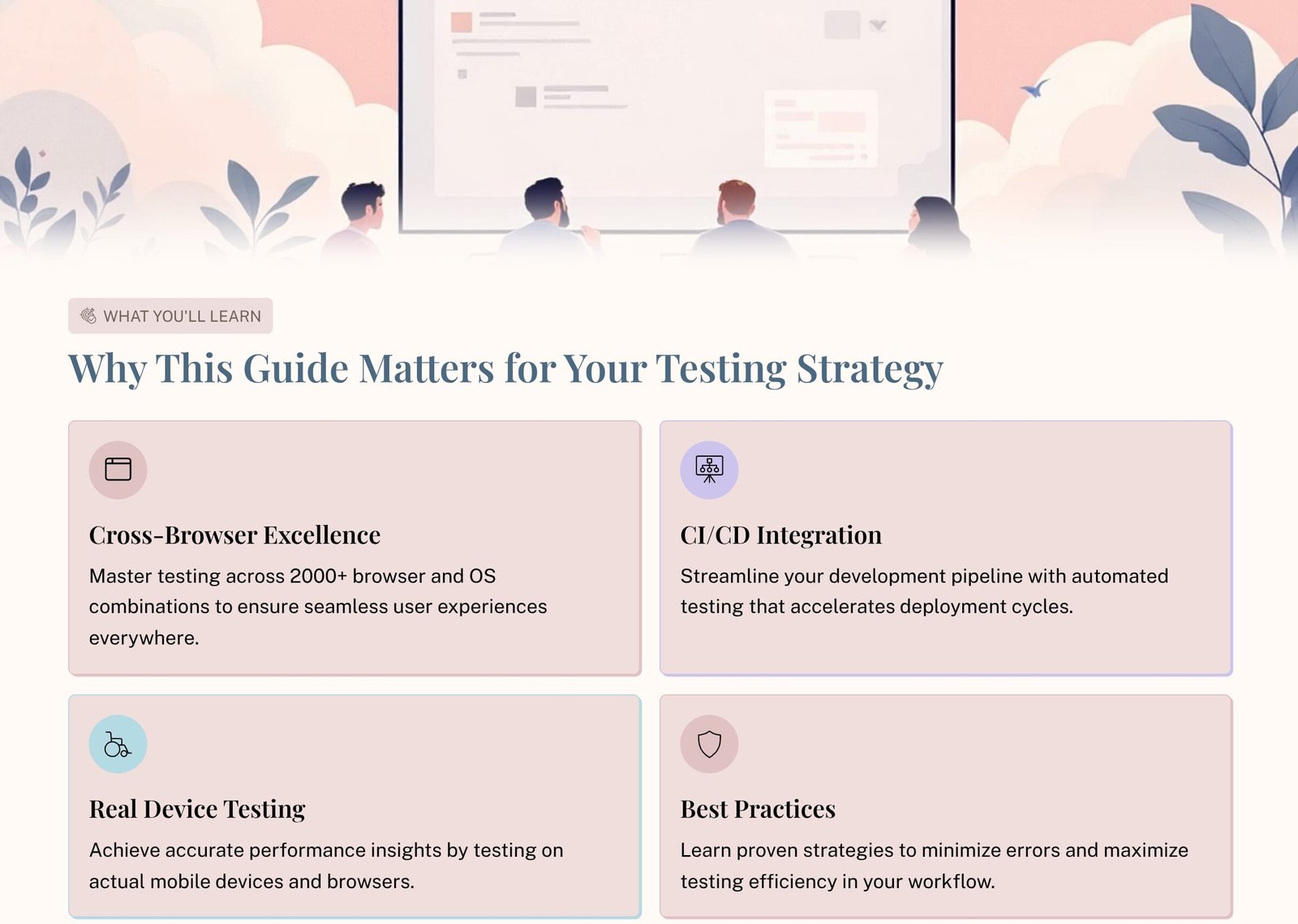
- Find out how LambdaTest makes sure your web apps work perfectly on all browsers and devices by unlocking the secrets of cross-browser testing.
- Learn how simple it is to add LambdaTest to your CI/CD workflow for faster, more efficient development.
- Get real device testing accuracy: find out why testing on real devices is important for perfect performance.
- Use best practices to make testing better: cut down on mistakes and speed up your workflow.
- Get past testing problems: deal with network issues and problems with running tests at the same time with ease.
- Learn about the future of testing and how LambdaTest is changing DevOps and automation.
- Learn from teams that use LambdaTest to make their work better and faster in real life.
Getting to Know LambdaTest
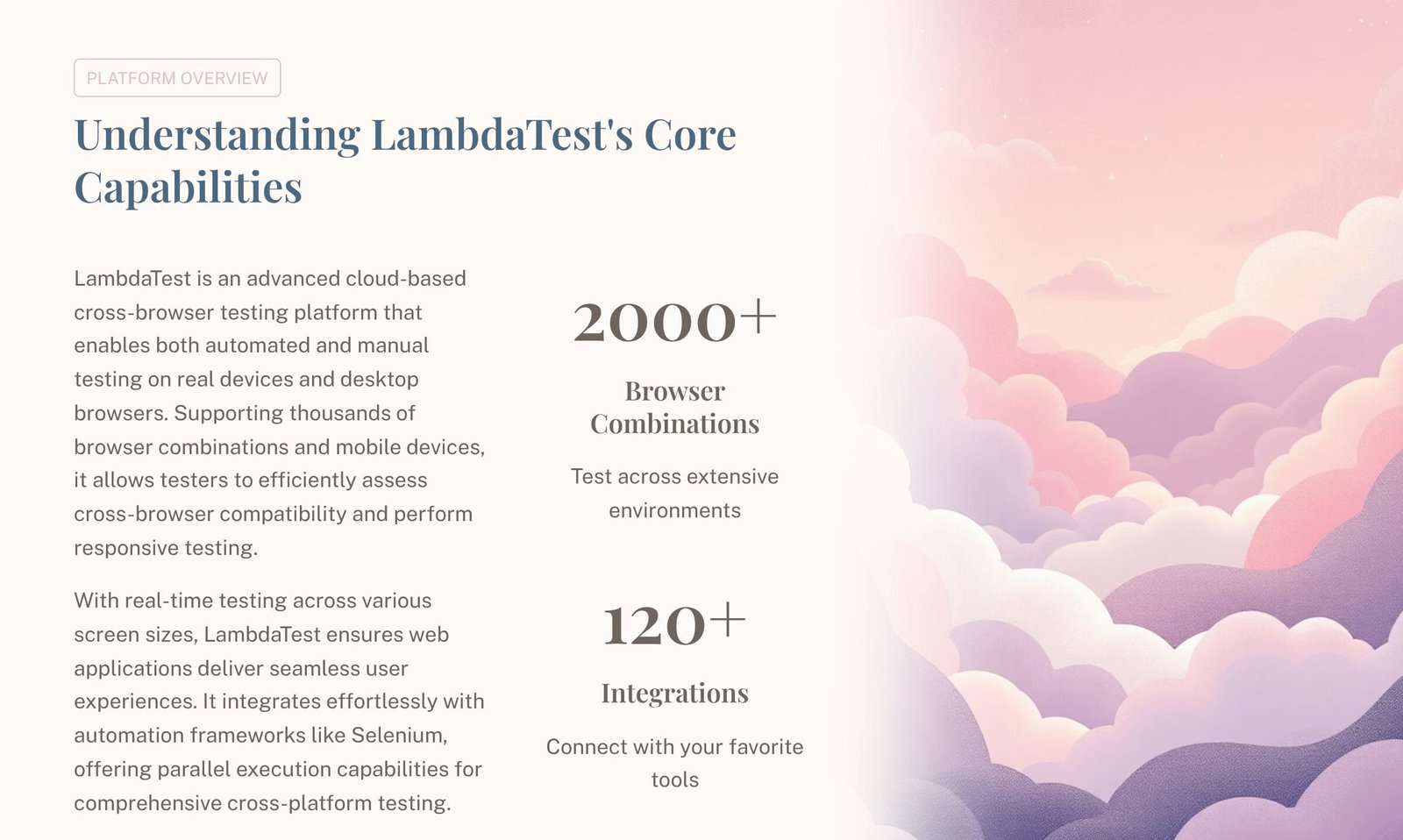
LambdaTest is a cross-browser testing platform that works in the cloud and lets you test on real devices and desktop browsers, both manually and automatically. It lets teams test thousands of combinations of browsers and operating systems, check that their sites work on all screen sizes, and run automation with well-known frameworks. The best thing about it is that you can get coverage and speed without having to have your own device lab.
To learn about the platform from the source, start at LambdaTest.
What LambdaTest Can Do for You: A Look at the Platform
You can do the following with LambdaTest:
- Check that it works with multiple browsers at once
- Do live interactive testing to fix bugs quickly.
- Run automated tests at the same time in different environments
- Testing on real devices can help you find device-specific problems early.
- Add testing to CI/CD pipelines to lower the risk of releasing software.
- Keep track of things like logs, screenshots, and recordings to make triage faster.
Important LambdaTest Features for Real Projects
1) Testing Across Browsers
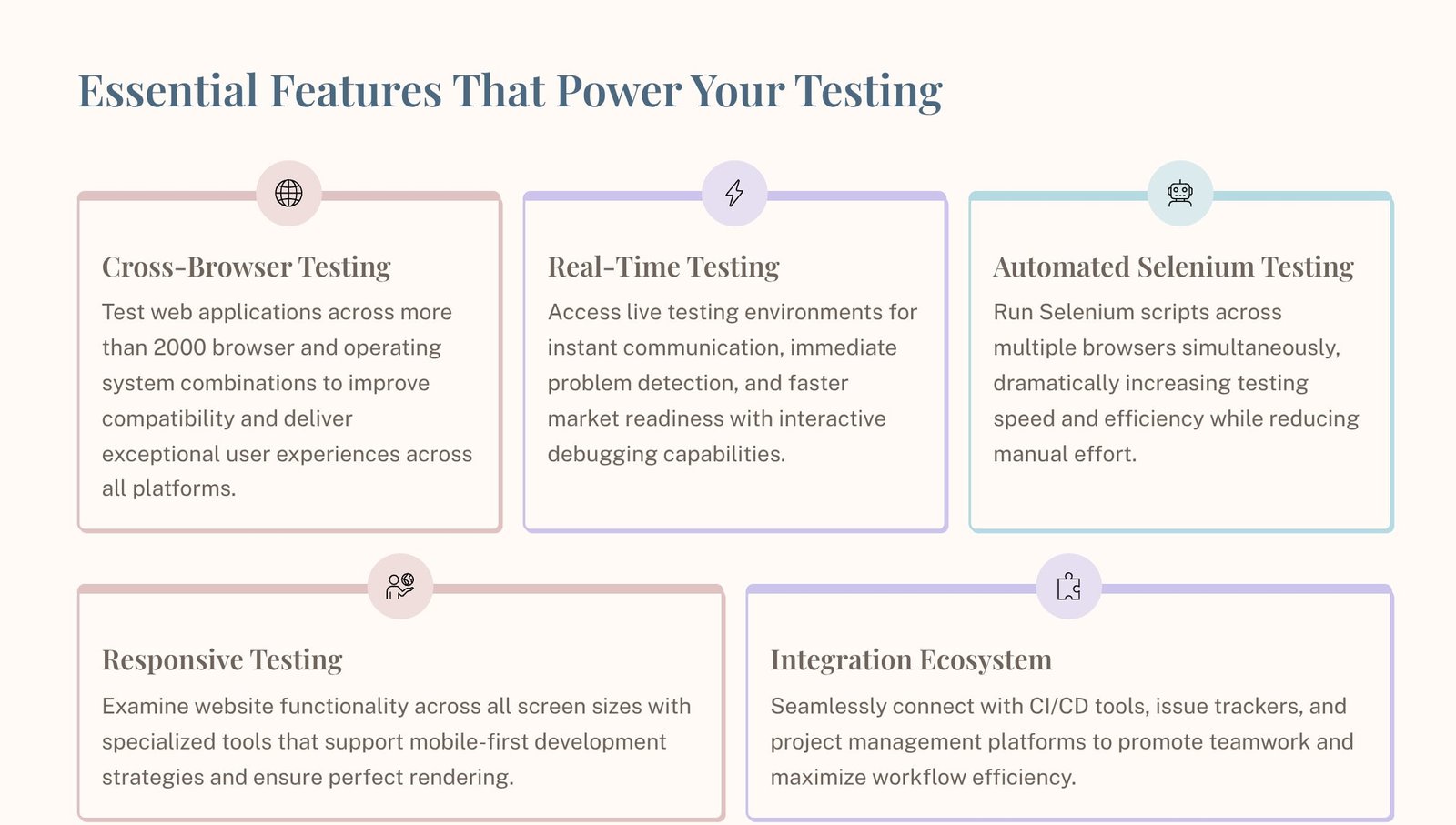
LambdaTest lets you test on more than 2000 different browser and OS combinations. This is important because a lot of bugs that happen in production only happen on certain versions of browsers, builds of operating systems, or rendering engines.
2) Testing in Real Time
With real-time testing, your team can quickly reproduce and fix problems in a live environment. You can check the problem right away instead of waiting for long automation runs. This will help you move faster.
3) Selenium Testing That Happens Automatically
LambdaTest lets you run automation on more than one browser at the same time, which saves time and increases coverage. This is especially useful if your automation is based on Selenium. To learn more about Selenium itself quickly, see Selenium.
4) Testing that responds
Responsive testing makes sure that your UI works properly on screens of all sizes. This is very important for modern web apps and mobile-first websites.
5) Ecosystem of Integration
LambdaTest works with popular CI/CD tools and bug trackers, so testing is built into the workflow instead of being something that happens on its own.
How LambdaTest Makes It Easier to Use Across Browsers
Problems with cross-browser compatibility often look like this:
- Changes to the UI and broken layouts
- JavaScript acting in a way that wasn’t expected
- differences in rendering performance
- handling forms in a way that isn’t consistent
- Problems with mobile browsers that don’t happen on desktop
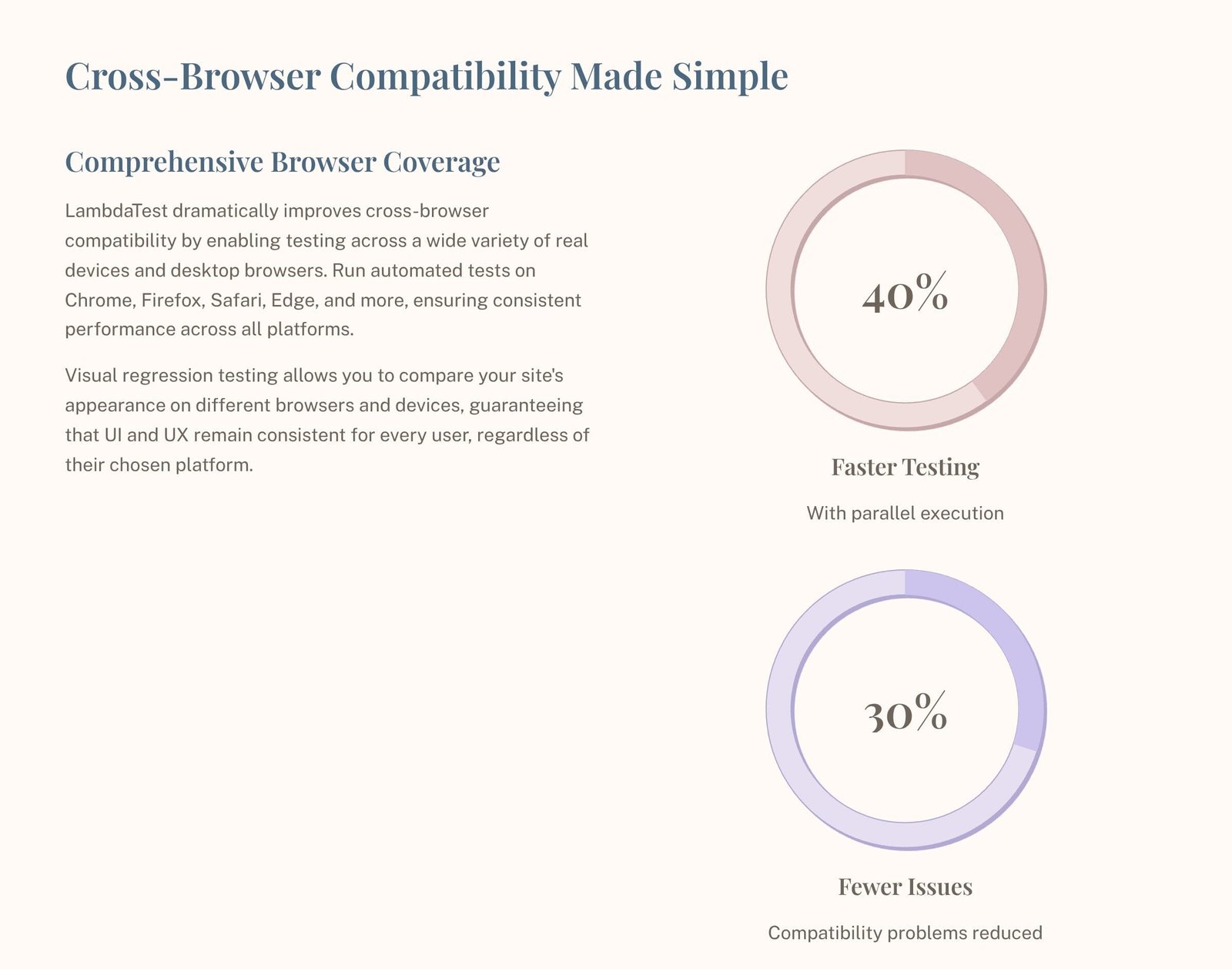
LambdaTest helps lower these risks by letting you test on a lot of different browsers and devices and by letting you do visual checks to make sure your UI and UX stay the same.
You can use the Seobility SEO checker to combine testing workflows with audits to improve both your SEO health and your performance.
How to Use LambdaTest in Your CI/CD Pipeline
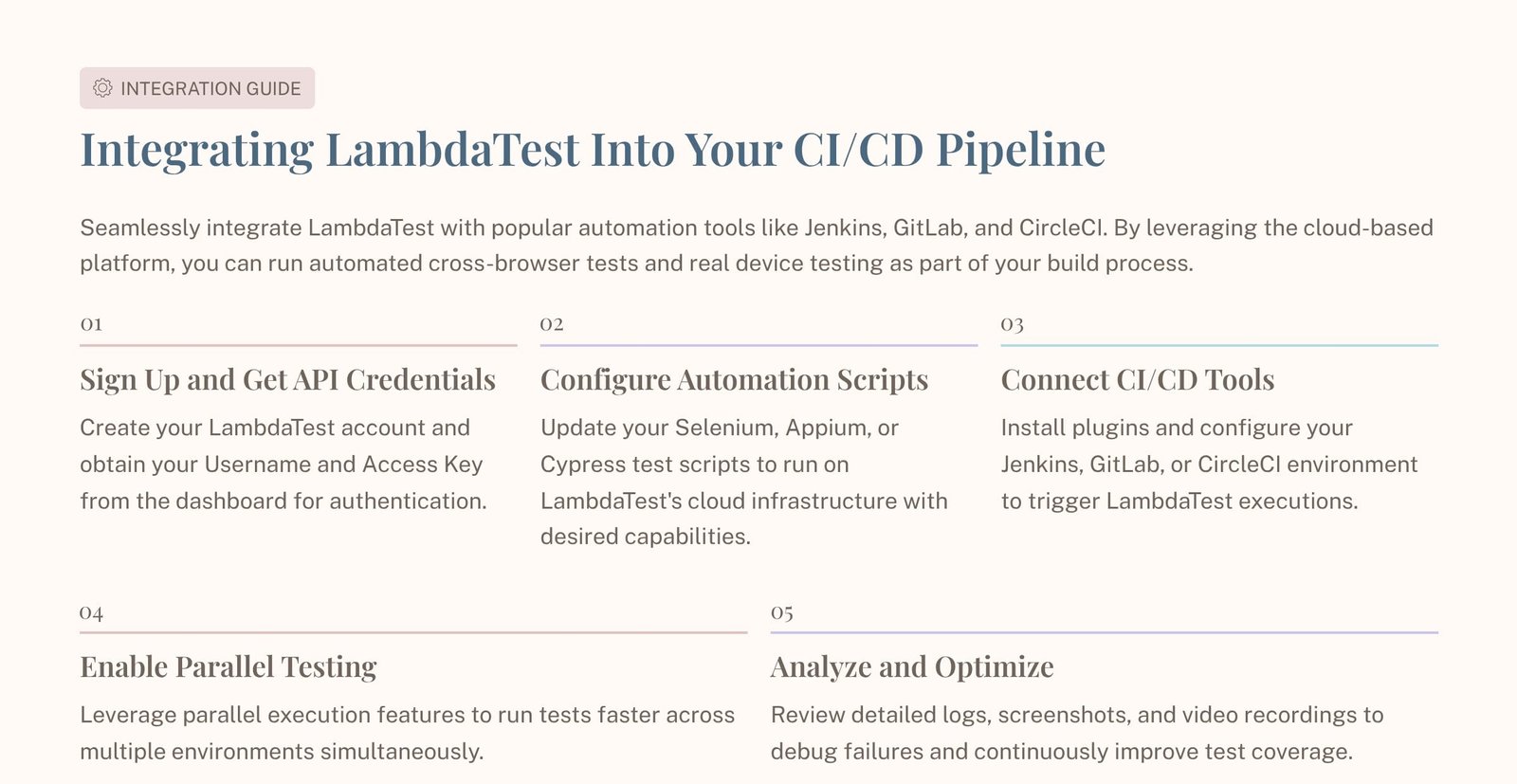
Adding LambdaTest to your CI/CD pipeline helps you find regressions before they go out. It works well with automated test suites and with popular tools like GitLab and Jenkins.
This is the best way to do things:
- Sign up and get your API keys. Set up your account and get your username and access key.
- Set up your scripts for automation Make sure your Selenium or other automation scripts can run on the cloud grid.
- Link your CI/CD tool
- Allow parallel execution Run tests in more than one environment at the same time to cut down on the time it takes to build.
- Use artifacts to look at failures To debug faster, look at logs, screenshots, and recordings.
To get the official CI/CD and integration help from LambdaTest, go to LambdaTest Docs.
LambdaTest vs. Other Ways to Test
When testing the old way, the team usually only has access to a small number of browsers or a limited internal device lab. That makes it hard to see. Modern release cycles need cloud testing platforms that can grow with them.
Table for Quick Comparison
| LambdaTest Feature | Old-Fashioned Ways of Testing |
|---|---|
| Ability to grow | Limited by the infrastructure in your area |
| Coverage of browsers and operating systems | Usually limited and often not complete |
| Access to real devices | Requires buying and taking care of devices |
| CI/CD integration | Often done by hand or takes longer to do |
| Price | pay for the device and infrastructure up front, plus maintenance |
Common problems with LambdaTest and how to fix them
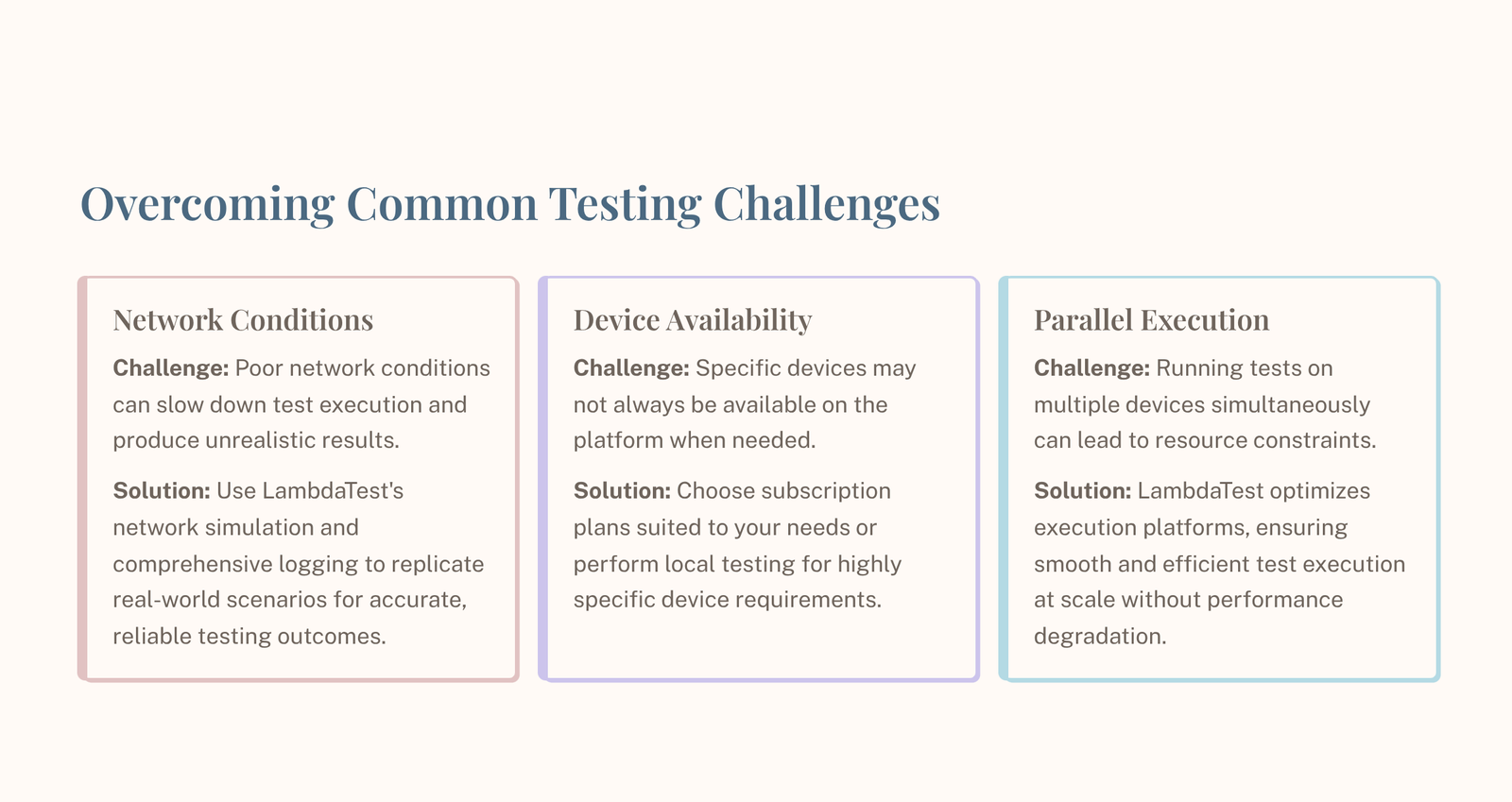
LambdaTest is powerful, but teams often run into a few problems that are easy to see:
| Problem | Explanation | Solution |
|---|---|---|
| Conditions of the network | Results can change if networks are slow or not stable. | Use stable test data, logging, and network simulation. |
| Availability of devices | A required device might not always be available. | Pick plans that work for you, or plan runs in a smart way. |
| Limits on parallel execution | Big parallel runs can use up a lot of resources. | Optimize suites, set priorities for critical paths, and scale parallel nodes to the right size. |
Best Practices for Optimizing LambdaTest
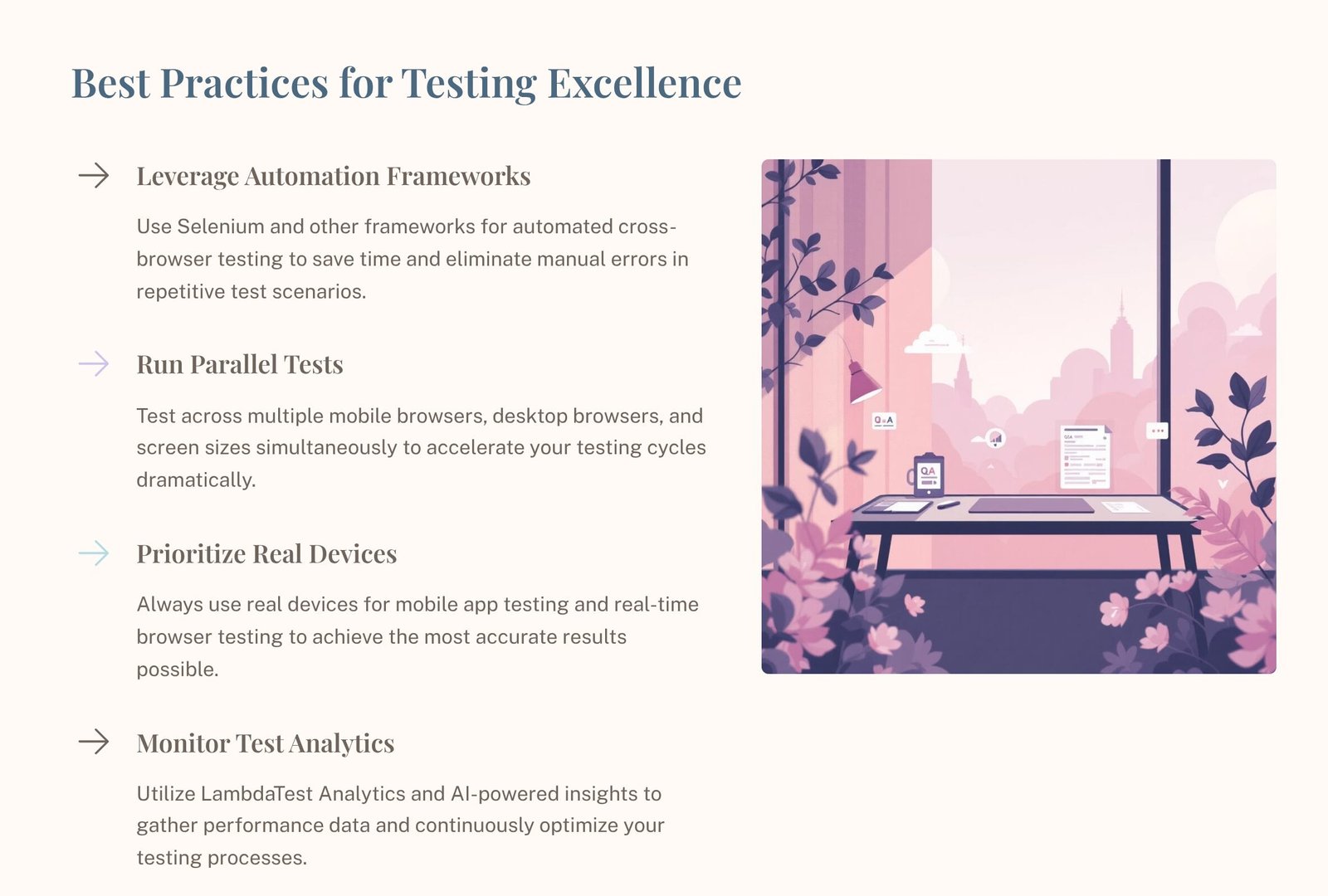
Always follow these best practices:
- Use automation frameworks to cut down on manual testing and speed up the time it takes to run regression tests.
- Run tests at the same time to speed up the build process and boost confidence in the release.
- Put real devices first for mobile and device-specific behavior, especially when it comes to performance problems that cause people to uninstall.
- Keep an eye on test analytics to find flaky tests, slow suites, and unstable environments, and then make changes.
Is your app crashing more often than it works? Targeted testing can help improve stability and user satisfaction. Please talk to us.
Case Studies: How LambdaTest Worked Well in Real Life
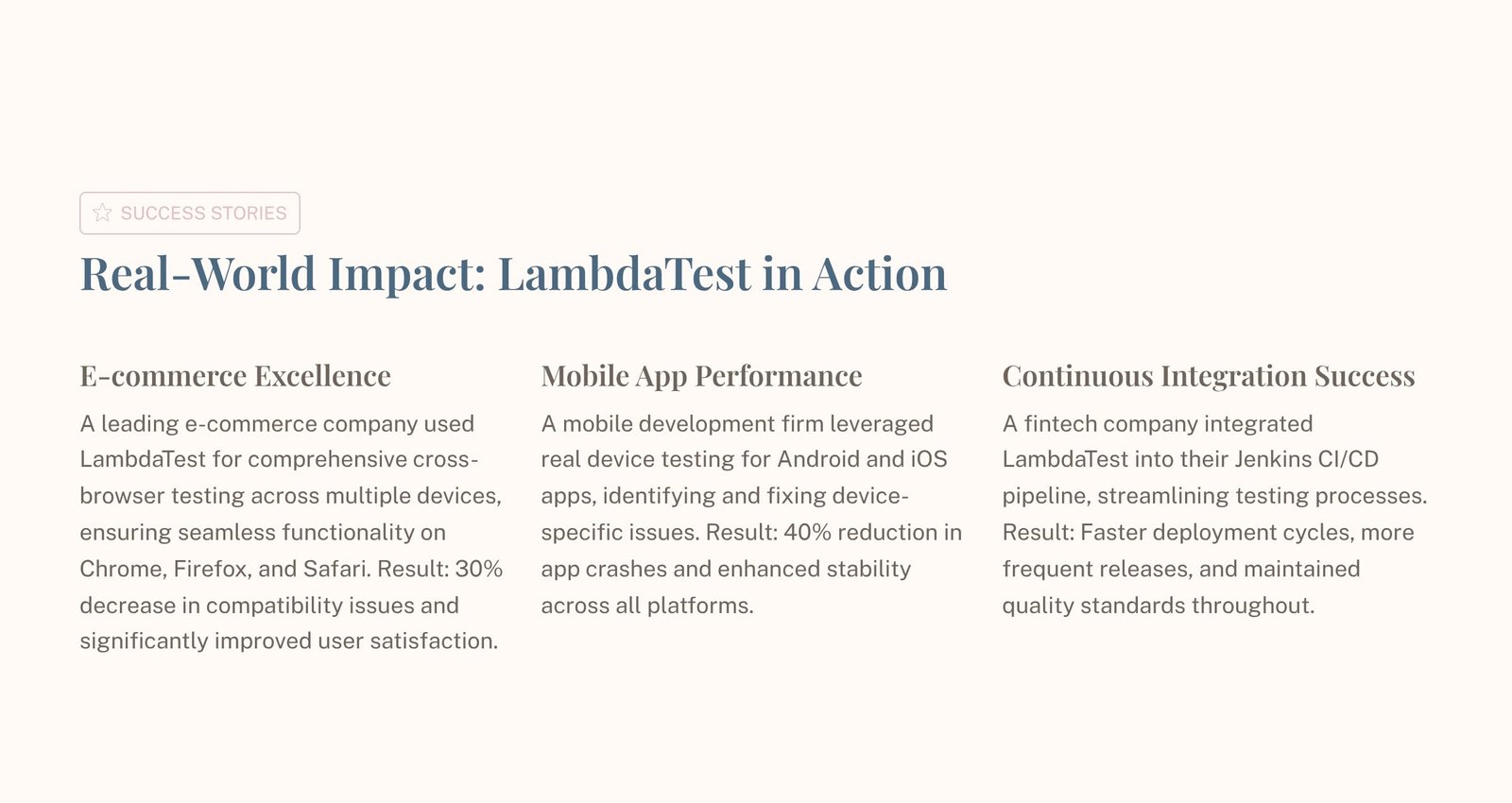
Testing an e-commerce platform
LambdaTest was used by a top e-commerce company to test its website on multiple devices and browsers to make sure it worked perfectly on Chrome, Firefox, and Safari. The result was fewer problems with browser compatibility and happier users.
Testing how well a mobile app works
A company that makes mobile apps used real devices to find and fix problems that only happen on certain devices. The result was fewer app crashes and better stability on both Android and iOS.
Success with continuous integration
A fintech company added LambdaTest to their Jenkins pipeline to make testing easier and speed up deployments. As a result, release cycles are shorter without sacrificing quality.
LambdaTest’s Future in DevOps
As teams work to deliver things faster and more reliably, LambdaTest is becoming more and more important in DevOps. The path is clear:
- more automation coverage
- better analytics for faster debugging
- more in-depth CI/CD integrations
- better support for newer types of apps, such as mobile apps and progressive web apps
Testing needs to be a continuous process instead of a phase at the end as release cycles get shorter. Platforms like LambdaTest help with this change by letting you validate faster across browsers and real devices while keeping reporting in one place.
You might find the Smartlead.ai review helpful as a separate read if you’re also looking into outbound and growth tools.
LambdaTest Security Issues
When using any cloud testing platform, security should be the most important thing. Concentrate on:
- strong controls on who can get into team accounts
- safe handling of keys and credentials in CI/CD
- sending data that is encrypted
- careful permissions for integrations with third parties
- regularly looking over logs and activity on the platform
Strong access control and good CI/CD secret management are two things that can help keep your testing workflow safe.
Conclusion: Using LambdaTest for Quality Assurance
LambdaTest is a powerful cloud-based testing platform that makes it easy to test across browsers, validate real devices, and automate at scale. It helps releases happen faster, gives users more confidence, and improves the user experience by finding compatibility and performance problems earlier in the process. It becomes a useful base for modern QA and DevOps teams when used with parallel execution, real-device strategy, and CI/CD integration.
People Also Ask
Is it safe to use LambdaTest?
Yes, LambdaTest is made for safe cloud-based testing that follows the latest security standards.
Is LambdaTest free?
LambdaTest lets you try it out for free, but with limited features. Most of the time, you need to pay for a plan to get full features.
Does LambdaTest use K8s?
Many cloud testing platforms use orchestration technologies that can grow. People talk about LambdaTest’s scalable infrastructure, and some even say that Kubernetes-based scalability is part of their ecosystem.
Do you need to know how to code to test in the cloud?
Not all the time. A lot of teams start with manual testing and then switch to automation when they’re ready. Scripting usually makes automation work better.
Is Azure a tool for testing?
Azure is a platform in the cloud. It can run apps and pipelines and work with testing tools, but it is not a dedicated cross-browser testing tool.