12 Best Free AI Presentation Makers in 2026
Looking for a Free AI presentation maker in 2026? This guide compares the best AI presentation generators for text to PPT, PDF to PPT, Google Slides, PowerPoint, templates, speaker notes and free downloads so...

Creating a presentation in 2026 should not take your whole day. A good Free AI presentation maker can turn your topic, notes, PDF or rough text into a usable slide deck. The challenge is choosing a tool that gives useful content, clean design, reliable export and real value without wasting time.
Best Free AI Presentation Makers in 2026
For most users, the best Free AI presentation maker depends on the job. Gamma AI is strong for fast modern decks. Canva AI is better for design and templates. Plus AI is useful if you already work inside PowerPoint or Google Slides. Slidesgo is helpful for students and teachers. Zoho Show and PowerPoint for the web are good free editors. For broader discovery, start with the Simplify AI Tools Best AI tools directory before choosing one platform.
| Tool | Best For | Free Plan Awareness |
| Gamma AI | Fast AI decks and modern web-style presentations | Free access available with credits and export limits that may change |
| Canva AI | Design-first presentations and templates | Free access available, premium assets may require a paid plan |
| Plus AI | PowerPoint and Google Slides workflows | Trial or limited access, check current plan before use |
| Slidesgo AI | Students, teachers and ready-made templates | Free monthly presentations available with account limits |
| Zoho Show | Free online presentation editing | Free online presentation software |
What Is a Free AI Presentation Maker?
A Free AI presentation maker is a tool that uses artificial intelligence to create slides from a prompt, document, PDF, notes or pasted text. Some tools create a full slide deck with images and layouts. Others work as add-ons inside PowerPoint or Google Slides.
In simple terms, an AI presentation generator helps you move from a blank page to a first draft. It can suggest slide titles, arrange content, create visuals, add speaker notes and export the deck as PPTX, PDF or Google Slides.
If you are preparing your script before making slides, you can also explore our Best AI writing tools guide to create better outlines, introductions and talking points before using an AI slide generator.
How We Reviewed and Ranked These Tools?
This guide follows a practical review framework from the Simplify AI Tools editorial team. The goal is not to praise every tool. The goal is to help you find the Best free AI presentation maker for your actual workflow.
| Criteria | What We Checked | Why It Matters |
| Content quality | Accuracy, structure, examples and depth | A beautiful deck with weak content still fails |
| Design quality | Layouts, fonts, spacing and visual polish | Slides should look presentable without hours of editing |
| Export quality | PPTX, PDF and Google Slides support | Bad export creates extra work |
| Speaker notes | Delivery guidance, not generic filler | Useful notes help you present confidently |
| Ease of use | Prompt flow, editor comfort and templates | Beginners need low friction |
| Free value | Credits, trials, downloads and plan limits | Free should be practically useful, not only a demo |
Pricing, features and free plan limits change often in AI tools. Always verify details on the official website before paying or using any tool for client work.
12 Best Free AI Presentation Maker Tools in 2026
1. Gamma AI

Best for: Fast, modern presentations and web-style decks
Gamma AI is one of the easiest tools to try when you need a quick Free AI presentation draft. It can turn an idea into a polished deck, document or page-like presentation. According to Gamma, users can create presentations, websites and more, and export presentations to PPT, PDF and other formats.
What works well:
- Fast time to first draft
- Clean modern layouts
- Useful for startup updates, content decks and quick explainers
- Supports imports and exports depending on the plan
Where it falls short:
- Content can be surface-level if your prompt is weak
- Some web-style layouts may need adjustment for traditional corporate decks
- Credits and export rules can change
Simplify AI Tools verdict: Choose Gamma AI when speed, visual flow and easy editing matter more than deep research.
2. Canva AI
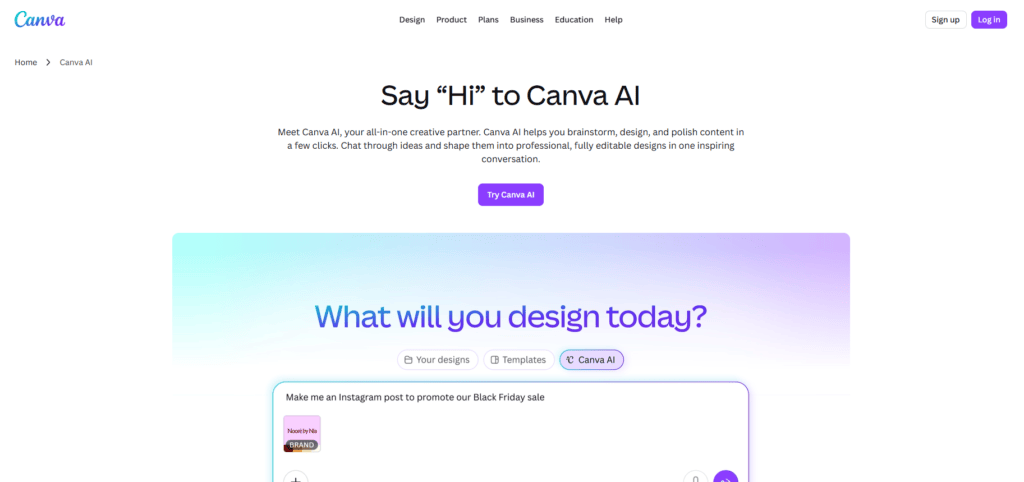
Best for: Design, templates and beginner-friendly slide creation
Canva AI is ideal if your main concern is visual polish. Canva lets users generate presentation drafts from prompts and then edit them with its familiar drag-and-drop editor. It is especially useful for marketers, students, creators and small businesses that want beautiful slides without hiring a designer.
What works well:
- Huge design and template library
- Easy editing for non-designers
- Good for social media, webinar and marketing decks
- Works well with brand colours and visual assets
Where it falls short:
- AI-generated text may need research and rewriting
- Premium templates, images or features may require a paid plan
- Common templates can make decks look similar if not customised
Simplify AI Tools verdict: Canva AI is one of the best choices for design-first users. You can also compare related options in our Best AI design tools guide.
3. Plus AI
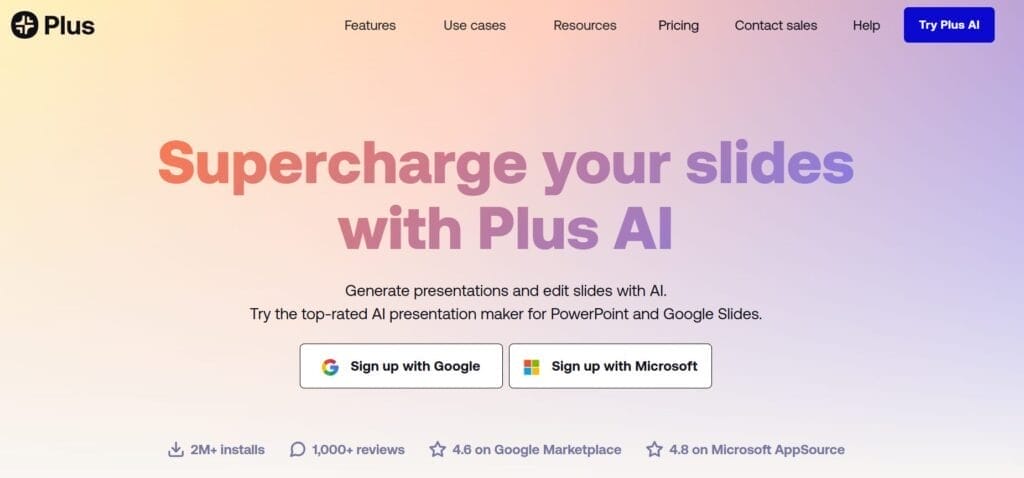
Best for: PowerPoint and Google Slides users
Plus AI is useful if you do not want to leave PowerPoint or Google Slides. Its official site says it can convert PDFs, Word documents, text files and other formats into PowerPoint or Google Slides presentations. That makes it a strong option for users searching for an AI presentation maker from text or an AI presentation maker from PDF.
What works well:
- Works inside familiar slide tools
- Useful for PDF to PPT and text to PPT workflows
- Reduces export formatting problems
- Good for business and education decks
Where it falls short:
- Free access may be limited
- The best value is for regular slide creators
- Output still needs fact checking and design review
Simplify AI Tools verdict: Pick Plus AI if your workflow already lives in Google Slides or PowerPoint.
4. Beautiful.ai
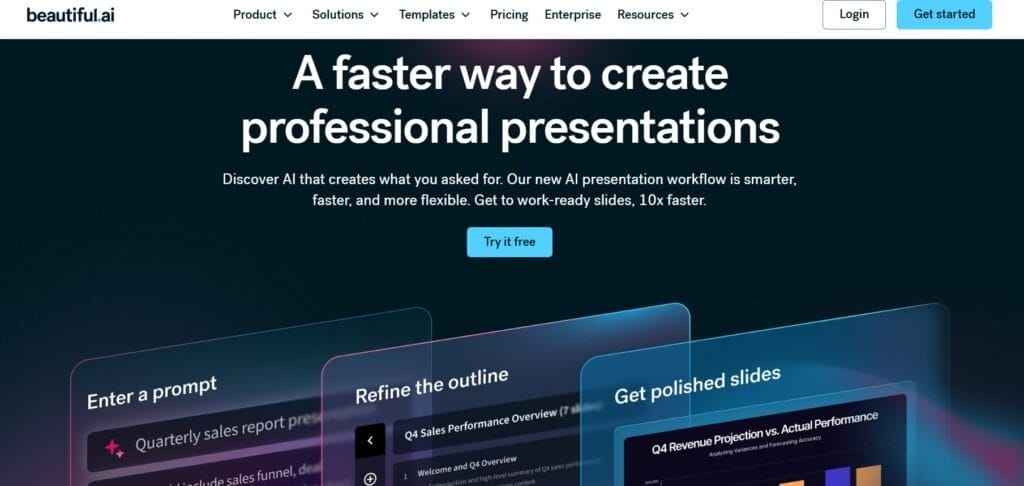
Best for: Polished business and team presentations
Beautiful.ai focuses on professional slide design and smart layouts. It is useful for teams that need clean, consistent and business-ready decks. It is less about casual free use and more about producing polished presentations with less manual formatting.
What works well:
- Strong design automation
- Good for business decks and team presentations
- Smart layouts reduce formatting work
- Branding support is useful for companies
Where it falls short:
- Not the best long-term free option
- Paid plans may be needed for serious use
- Less flexible than fully manual PowerPoint design
Simplify AI Tools verdict: Beautiful.ai is a strong Best AI presentation maker candidate for teams that value professional design.
5. Slidesgo AI
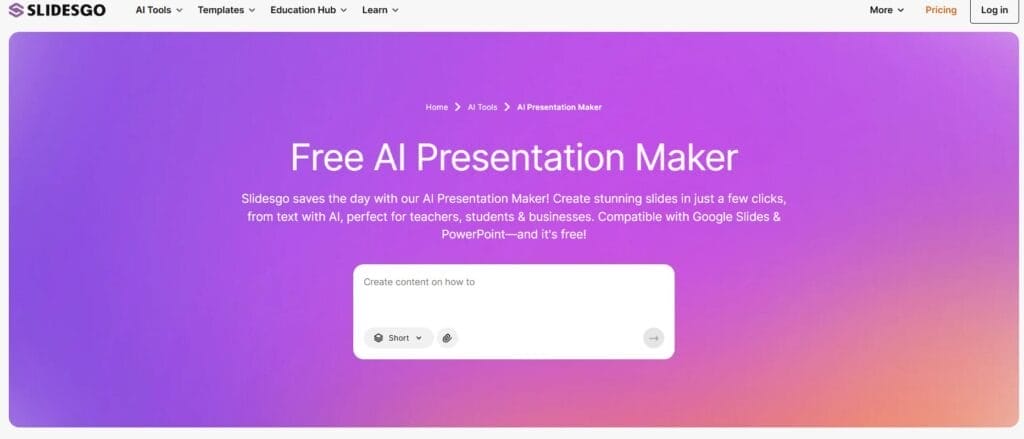
Best for: Students, teachers and template-based decks
Slidesgo is already known for Google Slides themes and PowerPoint templates. Its AI Presentation Maker adds text-based generation on top of that template strength. Slidesgo states that users can create up to 3 free presentations every month, although account and premium limits apply.
What works well:
- Good templates for education and general use
- Supports AI text to PPT workflows
- Works with Google Slides and PowerPoint formats
- Useful for classroom and student presentations
Where it falls short:
- Free monthly generation is limited
- Advanced templates may need Premium
- Speaker notes and content depth may need manual work
Simplify AI Tools verdict: Slidesgo is a practical Free AI presentation maker and free download option for education-focused users.
6. Zoho Show
Best for: Free online presentation editing and collaboration
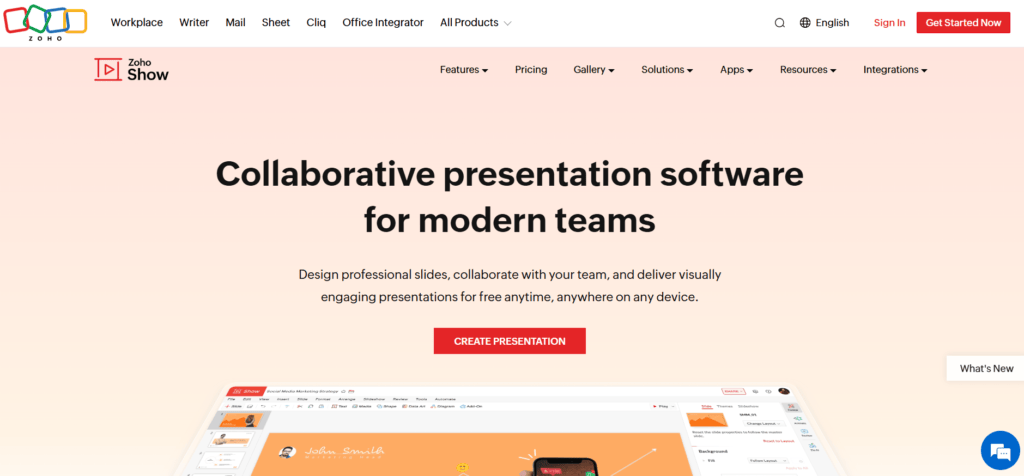
Zoho Show is not just an AI slide generator. It is a free online presentation software that lets users create, collaborate, publish and present slides from a browser. It is a useful choice if you want a free presentation editor rather than a heavy AI generator.
What works well:
- Free online slide creation
- Good for collaboration
- Works well for traditional presentations
- Useful when you do not need advanced AI generation
Where it falls short:
- Not as AI-focused as Gamma or Plus AI
- AI creation features may be less central
- Template variety may not match Canva or Slidesgo for every use case
Simplify AI Tools verdict: Zoho Show is a sensible choice for users asking, “Can I get PPT for free?” and needing a reliable online editor.
7. Microsoft PowerPoint for the Web

Best for: Free browser-based PowerPoint editing
Microsoft says PowerPoint for the web is free for anyone to use online with sign-in. This makes it useful if you want to create, edit and share PowerPoint slides without installing desktop software. It is not a full AI presentation generator by itself, but it remains important because PPTX compatibility matters.
What works well:
- Free web-based PowerPoint access
- Familiar interface for most users
- Good PPTX compatibility
- Real-time collaboration and OneDrive support
Where it falls short:
- Advanced desktop features may require Microsoft 365
- Copilot or AI features may depend on subscription and region
- Not ideal if you want automatic AI deck generation from scratch
Simplify AI Tools verdict: Use PowerPoint for the web when compatibility and free editing matter more than automated AI generation.
8. Google Slides with AI Add-ons
Best for: Google Workspace users and collaborative decks
Google Slides is still one of the easiest tools for collaborative presentations. In 2026, many users combine it with AI add-ons such as Plus AI or SlidesAI to generate content, outlines or slides directly inside their workspace.
What works well:
- Great for team collaboration
- Easy sharing and commenting
- Works well with AI add-ons
- Good for students, teachers and business teams
Where it falls short:
- Native AI slide generation depends on access and add-ons
- Design quality depends on templates and extensions used
- Add-ons may have separate pricing
Simplify AI Tools verdict: Choose Google Slides with AI add-ons if you work with teams and want simple sharing.
9. SlidesAI
Best for: Turning text into slides inside Google Slides and PowerPoint
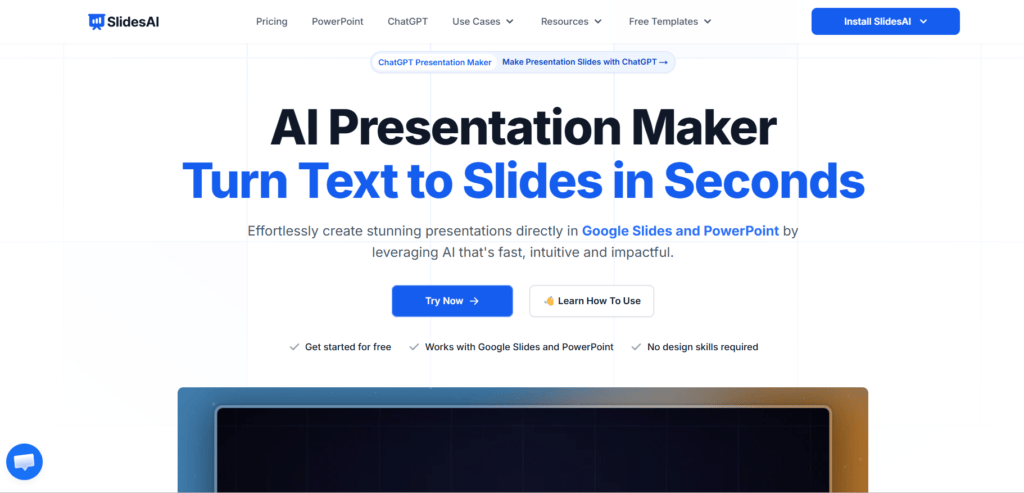
SlidesAI says it can turn text into slides and works with Google Slides and PowerPoint. It is useful when you already have notes, a short brief or an outline and want to convert it into a quick draft.
What works well:
- Simple text to slides workflow
- Works directly with slide tools
- Useful for quick first drafts
- Good for users who prefer Google Slides
Where it falls short:
- Content can feel basic if the input text is weak
- Design may need manual cleanup
- Free plan limits should be checked before urgent work
Simplify AI Tools verdict: SlidesAI is useful for quick drafts, but do not skip editing and fact checking.
10. Presentations.AI
Best for: Fast business decks from text, documents and data
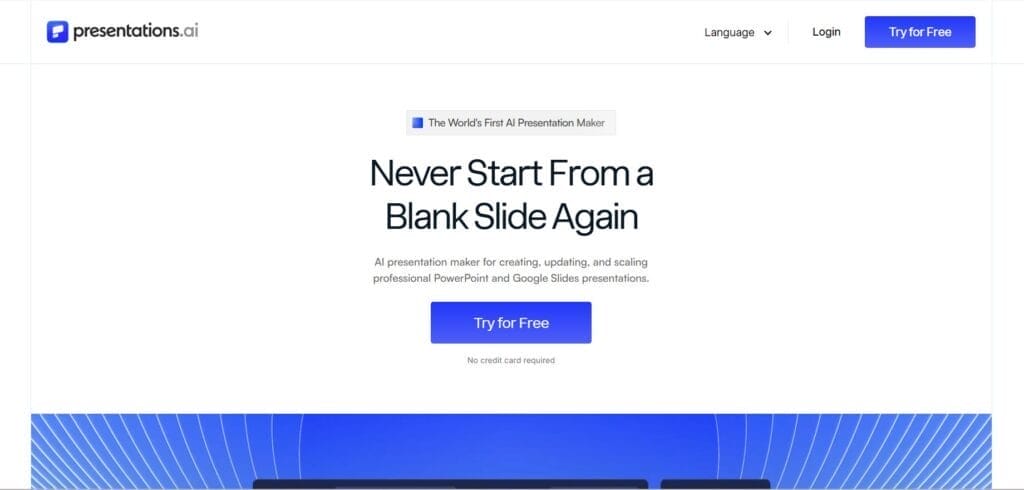
Presentations.AI positions itself as an AI presentation maker for PowerPoint decks. Its tools include text to PPT, PDF to PPT, Word to PPT and link to PPT workflows. This makes it relevant for users who want a structured AI presentation generator rather than a simple template library.
What works well:
- Multiple input options
- Useful for business decks and proposals
- Supports PDF and text conversion workflows
- Can save time on first drafts
Where it falls short:
- Check current free export rules before relying on it
- Generated claims and numbers should be verified
- May need design and tone adjustments
Simplify AI Tools verdict: Use Presentations.AI when you want document-to-deck workflows and are ready to edit the final output.
11. NoteGPT

Best for: Turning learning material, videos and notes into presentation ideas
NoteGPT is useful for students, educators and researchers who already have source material. It can summarise videos, PDFs and notes, which can then be turned into presentation content. This makes it helpful for classroom slides, lecture summaries and study presentations.
What works well:
- Good for source-based learning workflows
- Helpful for students and educators
- Can summarise long material before slide creation
- Useful for research-heavy topics
Where it falls short:
- Visual slide quality may need another tool
- Best results depend on source quality
- Not every workflow is a direct PPT export workflow
Simplify AI Tools verdict: Choose NoteGPT when your first challenge is understanding source material before building slides.
12. Simplify AI Tools
Best for: Finding and comparing AI presentation tools
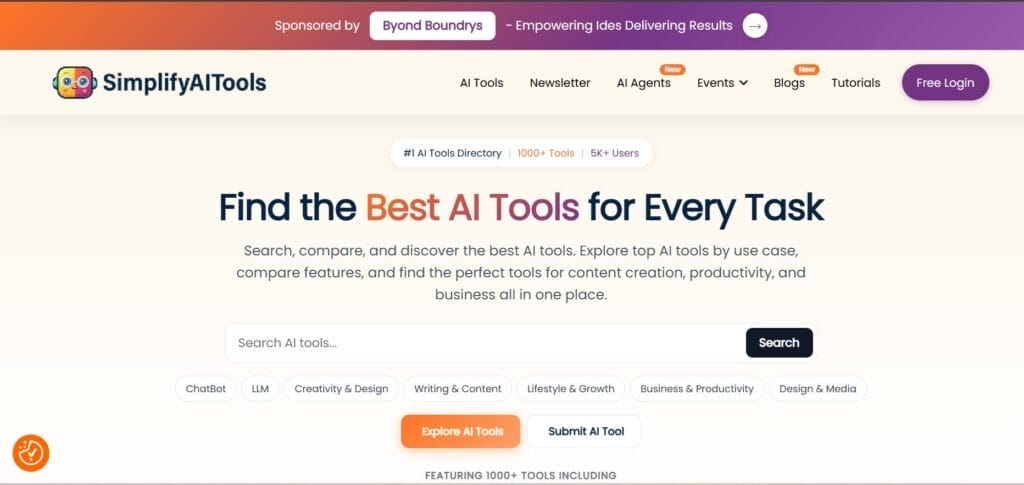
Simplify AI Tools is not positioned here as a direct slide generator. It is a discovery and comparison resource that helps users find useful AI tools by category. If you are comparing AI tools for presentations, design tools, writing tools or productivity apps, Simplify AI Tools can help you avoid random trial and error.
What works well:
- Useful for discovering AI tools by category
- Helpful for comparing alternatives before signing up
- Good for readers who want simple explanations
- Supports broader AI workflow planning
Where it falls short:
- You still need to check each tool’s official pricing and limits
- It does not replace hands-on testing of the tool you choose
- Tool features can change quickly
Simplify AI Tools verdict: Use Simplify AI Tools as your research starting point. You can also explore our AI productivity tools, Free AI tools for students and Best Canva AI alternatives guides for related choices.
Free AI Presentation Maker and Free Download Options
The phrase Free AI presentation maker and free download sounds simple, but the reality is slightly different.
Not every free AI presentation maker gives you full access. Some tools allow you to generate slides for free, but limit PPTX exports. Others may let you download a PDF but include platform branding. Many also work on credits, monthly quotas or short trial limits, so always check the export rules before creating your final deck.
Before starting an urgent deck, test three things: whether you can export, whether the formatting survives, and whether the free plan allows the number of slides you need.
| Tool | Free Generation | Free Download Awareness | Best Export Format |
| Gamma AI | Yes, with limits | Check current credit and export limits | PDF, PPTX, Google Slides |
| Canva AI | Yes, with limits | Premium assets may require payment | PDF, PPTX |
| Slidesgo AI | Limited monthly use | Account required for generation and download | PPTX, Google Slides |
| Zoho Show | Yes for editing | Free online presentation software | PPTX, PDF |
| PowerPoint Web | Manual creation, not full AI generation | Free web version available | PPTX |
Free AI Presentation Maker from PDF
A Free AI presentation maker from PDF is useful when you already have a report, research paper, lecture note, proposal or training document. Instead of copying paragraphs into slides manually, you can upload the PDF and ask the tool to convert it into a structured deck.
The best results usually come from clean PDFs with proper headings. Scanned PDFs, messy tables and image-heavy files may need extra editing. Also, never upload confidential client files without checking privacy terms.
For PDF workflows, Plus AI and Presentations.AI are worth checking because their official pages mention PDF to PowerPoint style conversion. Slidesgo also offers PDF to PPT tools for education workflows.
Free AI Presentation Maker from Text
A Free AI presentation maker from text is often the easiest starting point. You paste a brief, meeting note, blog draft or rough idea, and the tool turns it into slides. This works best when your input has a clear audience, purpose and structure.
Use this prompt template:
Create a 10-slide presentation on [topic] for [audience]. Purpose: [educate, pitch, train, report]. Tone: [professional, simple, persuasive]. Include: title slide, agenda, 5 main points, examples, summary and speaker notes. Export preference: PowerPoint or Google Slides.
This small amount of detail can improve content quality more than changing tools. A weak prompt creates a weak deck, even in the best AI app.
Best AI Presentation Maker Comparison Table
| Tool | Best For | Free Plan | Text to PPT | PDF to PPT | PPTX Export | Best User |
| Gamma AI | Fast modern decks | Yes, limited | Yes | Import support | Yes | Creators and startups |
| Canva AI | Design and templates | Yes, limited | Yes | Indirect workflows | Yes | Marketers and students |
| Plus AI | Native slide workflows | Trial or limited | Yes | Yes | Yes | PowerPoint and Google Slides users |
| Beautiful.ai | Business design | Trial based | Yes | Check current support | Yes | Teams and professionals |
| Slidesgo AI | Education templates | Limited monthly | Yes | Related tool available | Yes | Teachers and students |
| Zoho Show | Free editing | Yes | Manual or assisted | Import support | Yes | Collaborative users |
| PowerPoint Web | PPT editing | Yes | Manual | Manual | Yes | Microsoft users |
| Google Slides with add-ons | Collaboration | Yes for Slides | Via add-ons | Via add-ons | Download available | Teams and schools |
| SlidesAI | Text to slides | Yes, limited | Yes | Limited | Within Slides or PowerPoint | Quick draft users |
| Presentations.AI | Document to decks | Check current limits | Yes | Yes | Yes | Business users |
| NoteGPT | Learning material | Yes, limited | Indirect | Summarisation support | May need another tool | Students and researchers |
| Simplify AI Tools | Tool discovery | Free to browse | Not a generator | Not a generator | Not a generator | Tool researchers |
How to Create a PPT Using Free AI?
Here is a simple process you can follow with almost any Free AI presentation tool:
- Decide your topic, audience and presentation goal.
- Choose the right tool based on whether you need design, PDF conversion, text to PPT or PowerPoint compatibility.
- Write a detailed prompt instead of a one-line instruction.
- Generate an outline first and check whether the flow makes sense.
- Review all facts, claims, numbers and examples before presenting.
- Export to PPTX, PDF or Google Slides and reopen the file.
- Fix spacing, fonts, brand colours and image alignment.
- Add or rewrite speaker notes in your own voice.
If your presentation is part of a bigger work system, our AI productivity tools guide can help you connect slide creation with research, writing, automation and design.
Canva AI vs PowerPoint: Which Is Better in 2026?
Canva AI is better when you need quick design, beautiful templates and beginner-friendly editing. PowerPoint is better when you need formal business formatting, offline editing, advanced slide control and strong PPTX compatibility.
For a student project, social media pitch or workshop deck, Canva AI may feel easier. For a board meeting, corporate training deck or finance-heavy presentation, PowerPoint still feels safer. Many users create visuals in Canva and then finalise the formal version in PowerPoint.
If Canva does not fit your workflow, check our Best Canva AI alternatives guide for other design-first tools.
Common Mistakes to Avoid While Using AI Presentation Generators
- Using a vague prompt like “make a business presentation”.
- Trusting AI-generated statistics without checking sources.
- Ignoring export quality until the last minute.
- Choosing design over content accuracy.
- Publishing slides with generic stock visuals that do not match the message.
- Uploading confidential PDFs without reading privacy terms.
- Forgetting to adjust tone for your audience.
- Using free plan tools for client work without testing download limits first.
Is a Free AI Presentation Maker Worth Using in 2026?
Yes, a Free AI presentation maker is worth using in 2026 if you need a faster first draft. It is excellent for student slides, internal meetings, marketing outlines, webinar decks, content repurposing and simple pitch drafts.
However, free AI tools are not perfect for every situation. For investor decks, legal presentations, financial reporting, board meetings or high-value client work, you should treat AI output as a starting point only.
The smartest workflow is simple: use AI for structure and first draft, then use your judgement for facts, story, design, voice and final delivery.
Conclusion
A Free AI presentation maker can save hours in 2026, but the best tool depends on your workflow. Use Gamma for speed, Canva for design, Plus AI for PowerPoint or Google Slides, and Simplify AI Tools to compare options before choosing.
FAQs
Several tools offer free access for presentations, including Gamma AI, Canva AI, Slidesgo, Zoho Show and Microsoft PowerPoint for the web. Free plans usually include limits such as credits, branding, export restrictions or monthly usage caps. Always test downloading before using any tool for important work.
ChatGPT can help create slide outlines, titles, talking points, speaker notes and presentation scripts. Depending on available features, it may also help generate files, but many users still copy the content into PowerPoint, Google Slides, Canva, Gamma or another AI presentation generator for final design.
Choose a free AI tool, write a clear prompt, generate an outline, review the slide flow, check facts, then export to PPTX, PDF or Google Slides. After export, reopen the file and fix fonts, spacing, colours, images and speaker notes before presenting it to your audience.
Canva is better for beginners who want templates, visual design and quick editing. PowerPoint is better for formal business decks, offline work, advanced formatting and corporate compatibility. Many people design in Canva first and then polish or present the final version in PowerPoint for meetings.
Gamma AI offers free starting access, but credits, export options, branding and feature limits can change. It is useful for testing AI-generated presentations before upgrading. If you need regular PPTX exports, larger decks or advanced features, check Gamma’s latest pricing page first before publishing.

Disclaimer: Views are the author’s own. Content is informational only.
Was this article helpful?
A quick vote helps us improve the guides readers find most useful.
Join the discussion
Share your experience, ask a question, or add something useful for other readers.